MagiCat

MagiCat

Not enough ratings
Infinite resources (paws) via save file editing
By Rushin
   
Award
Favorite
Favorited
Unfavorite
Intro
Let me read your mind. When you first realized that you can build paths, break obstacles, and farm resources indefinitely - did you want to do something like this?


Except farming the "paws" currency would take far too long. You need something like 40,000 to clear the entire map. So I made this guide to help you get infinite paws.
No, this isn't really "cheating"
I really don't consider using the method in this guide "cheating". This is purely for the fun of it, there's no practical purpose to it or gameplay advantage whatsoever.

I guess technically this gives you infinite respawns too but even if you die and respawn a lot during regular gameplay you will still end up having at least like 1,000 unused paws (that's with all the built and broken tiles accounted for) while playing normally.

Anyway I encourage you to 100% the game normally first before you dive into save file manipulation. This is just for completionists to have some post-game fun and mess with the map.
Editing the save file
Follow this video as you read through the steps (maybe open it in another tab).

https://youtu.be/e_FPWO8GLko
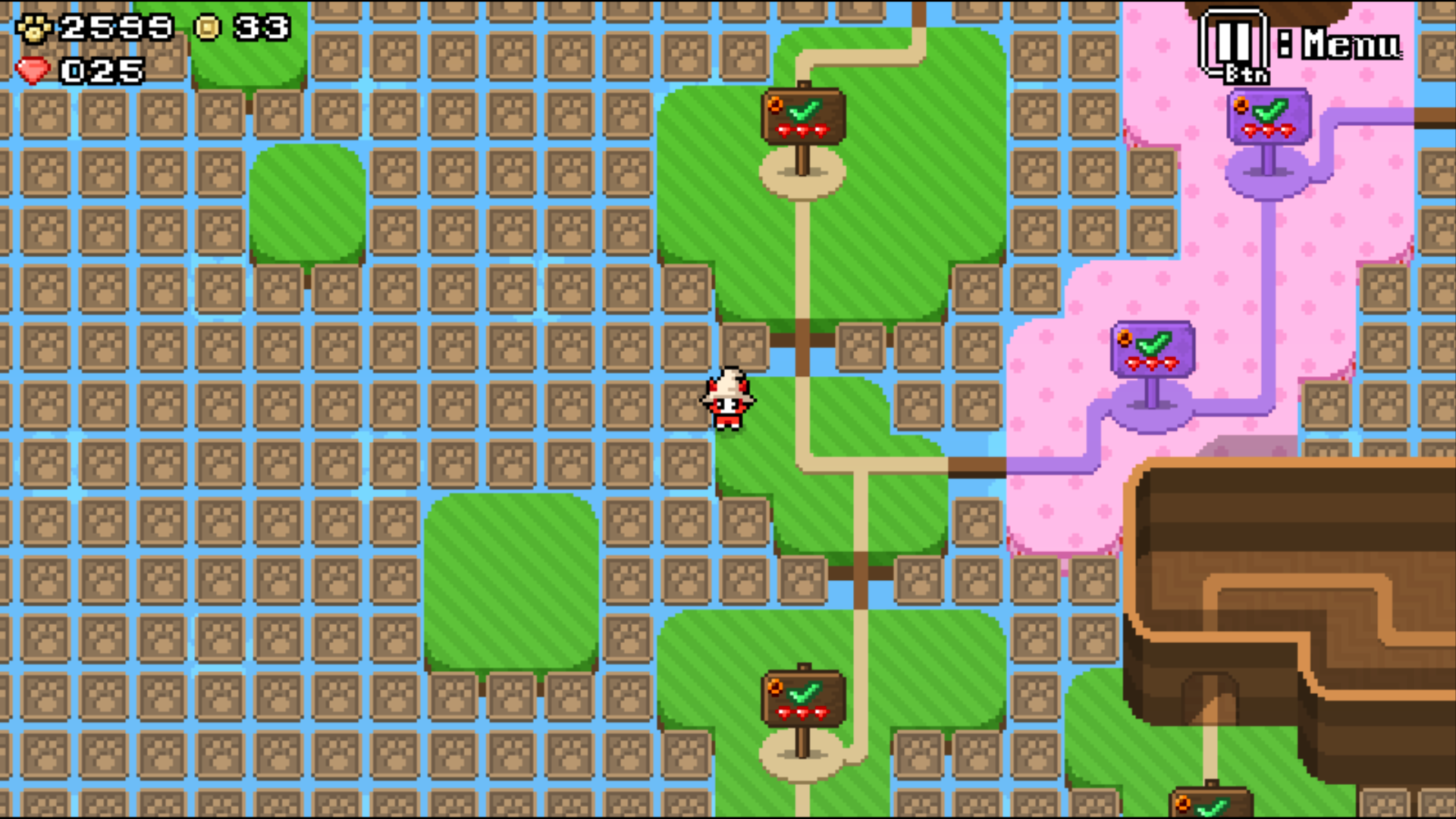
1. While in-game, take note of the amount of paws and coins you have. In the video I have 1736 paws and 36 coins. You need to memorize "1736 36". In fact, you should probably write it down.

2. Make a copy of your current save file. You don't want to lose your actual progress if you mess things up.

3. Close the game and disable Steam Cloud for MagiCat, as otherwise it will simply override any changes you've made when you start the game again.

4. Let's find your save file now. On Windows it's located in Appdata/Roaming folder. The easiest way to get there is to click the start menu, type "run", and uh, run the... "Run" application (hotkey Win+R also works). Here you type %APPDATA% and click Ok.

5. Find the folder "KucingRembes", then "MagiCat" inside it.

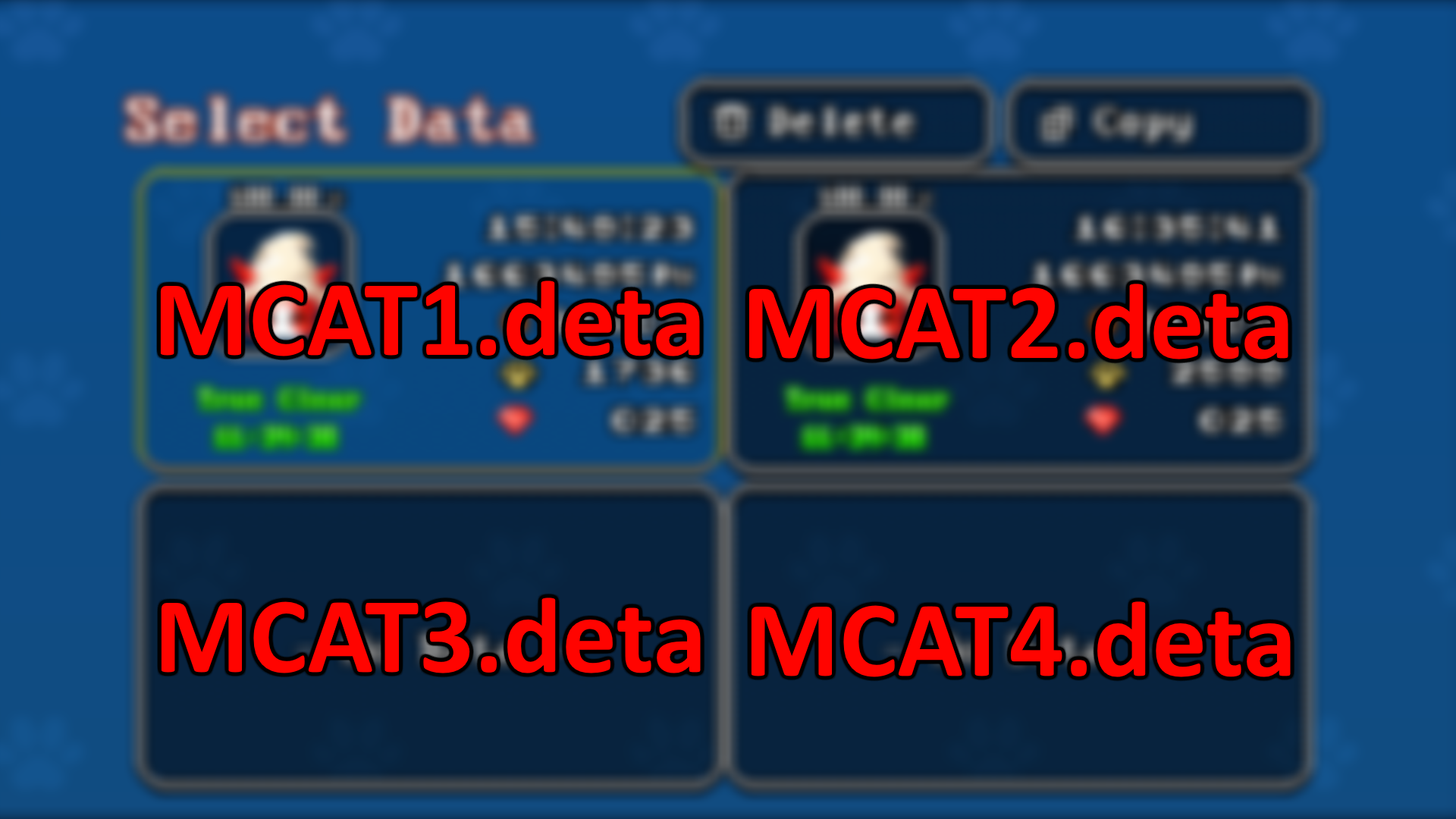
6. Identify the name of the save file that you want to edit. In this video I use mcat2.deta (the copy of the original mcat1.deta).


7. Open your save file with any text editor such as standard Notepad. Select all text and copy it to clipboard.

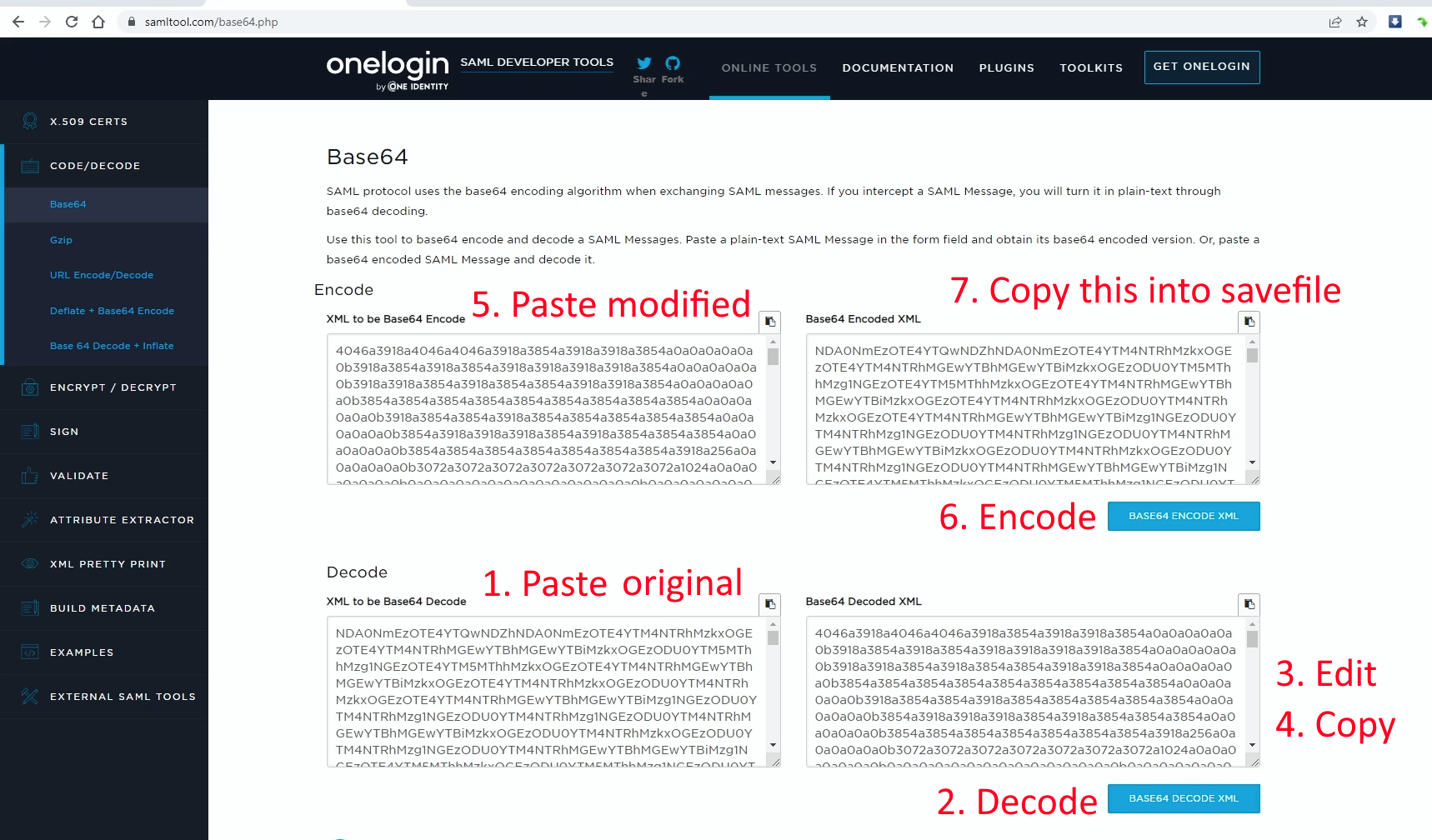
8. Go to any website that lets you encode/decode base64 text online. I picked this one because it has encode and decode on the same page:

https://www.samltool.com/base64.php

9. Paste your text into the Decode box and click Base64 Decode button.

10. Now lets modify the resource value. Remember "1736 36", the number of paws and coins? You need to search (Ctrl+F) this page for the string "b173636a". That is, the letter "b", then number of paws and coins merged together, followed by letter "a". Note that you have to SKIP any leading zeroes - so having 0045 paws and 83 coins means you need to search for "b4583a".

11. You should have exactly one match. Replace this string with "b999999a".

12. Copy the modified text and paste it into the Encode box, then click Base64 Encode.

13. Copy the re-encoded text and dump it into your save file.


14. Run the game and enjoy!
Notes
You will probably have to go through this process multiple times because you can have no more than 9999 paws and 99 coins at once. To clear the whole map and to build every possible block you'd need about 40,000 or more.

There's no practical reason to do any of this but clearing the map felt satisfying to me I guess.