RimWorld

RimWorld

4,120 ratings
Graphics Settings+
7
3
2
9
4
7
2
3
3
3
   
Award
Favorite
Favorited
Unfavorite
Mod, 1.1, 1.2, 1.3, 1.4, 1.5, 1.6
File Size
Posted
Updated
5.811 MB
10 Mar, 2019 @ 3:42am
26 Jul @ 1:13am
32 Change Notes ( view )

Subscribe to download
Graphics Settings+

Description
Graphics Settings+ (Updated for 1.6)

Improves any Mod's texture quality and loading!

What it does
  • DDS texture loading - If a mod has .dds files, it will use those instead
  • VRAM usage tracking - See which mods are eating your graphics memory
  • Fixes those annoyingly blurry textures when you zoom in

Installation
Generally doesn't matter, it may vary depending on what mod changes texture loading, to be safe:
Put it after any framework-type mod!

Why doesn't it work on vanilla textures?
The game's textures are loaded from internal assets and are pre-compiled for performance directly.

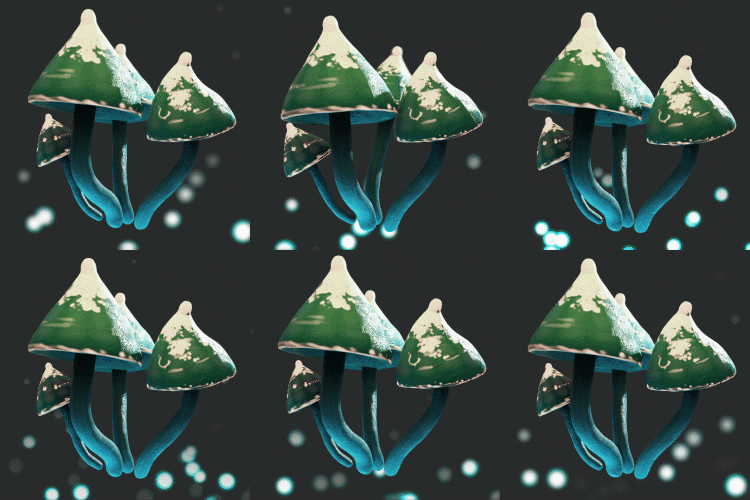
The Iguana will not look like in the preview, sorry!

GitHub: https://github.com/RealTelefonmast/GraphicsSetter

Special thanks to Bradson for improving the DDS loading and handling incompatibility issues!

If you like my work, consider supportinh me on Patreon!
[www.patreon.com]
Popular Discussions View All (6)
3
19 Nov @ 12:12am
How to upscale textures
Mrbread
2
26 Nov @ 3:58am
Extreme VRAM Usage
Sakura
2
22 Jul @ 2:03pm
Graphics Settings+ causes game crash on Wine
Malefaciusi
910 Comments
Eventide 29 Nov @ 6:57am 
@Zandezitos No. It doesn't really change the resolution of files. It just makes them sharper or blurrier (no effect on performance). If you're running out of memory you need to reduce your modlist or at least get rid of some texture changing mods.
Zandezitos 29 Nov @ 4:02am 
Can it make mod textures less quality? My problem is that i don't need high res textures with most of my mods have and that causes that i can't start the game cause of memory allocation error
La__fonzi 28 Nov @ 4:05pm 
@bradson all ready tried that be for comenting still no differance. i have no blurry sprite or images without this mod so i see no need to use it under those conditions just thought it strange that it it was doing the oposite thing for me than intended
Maxim  [author] 26 Nov @ 7:51am 
I need to update this anyway, I was almost certain I had that option, but I suppose that was part of my main framework!
VitaKaninen 26 Nov @ 6:19am 
Thanks. I looked for it, but missed it, somehow.
bradson 26 Nov @ 6:18am 
@VitaKaninen That option is already there. It's labeled "Display main menu button"
Hugalafutro 26 Nov @ 12:02am 
@Midnight, yes compatible with Character Editor
bradson 20 Nov @ 11:07pm 
@La__fonzi That's what the mipmap bias slider is there for. Reset that to its default value of -0.7 to not have things blurry, or move it to something better than what you seem to have set
@Midnight yep, compatible with Cooking Expanded
Midnight 20 Nov @ 5:04pm 
Is it CE compatible?