



Steam 설치
로그인
|
언어
简体中文(중국어 간체)
繁體中文(중국어 번체)
日本語(일본어)
ไทย(태국어)
Български(불가리아어)
Čeština(체코어)
Dansk(덴마크어)
Deutsch(독일어)
English(영어)
Español - España(스페인어 - 스페인)
Español - Latinoamérica(스페인어 - 중남미)
Ελληνικά(그리스어)
Français(프랑스어)
Italiano(이탈리아어)
Bahasa Indonesia(인도네시아어)
Magyar(헝가리어)
Nederlands(네덜란드어)
Norsk(노르웨이어)
Polski(폴란드어)
Português(포르투갈어 - 포르투갈)
Português - Brasil(포르투갈어 - 브라질)
Română(루마니아어)
Русский(러시아어)
Suomi(핀란드어)
Svenska(스웨덴어)
Türkçe(튀르키예어)
Tiếng Việt(베트남어)
Українська(우크라이나어)
번역 관련 문제 보고




 어워드
어워드



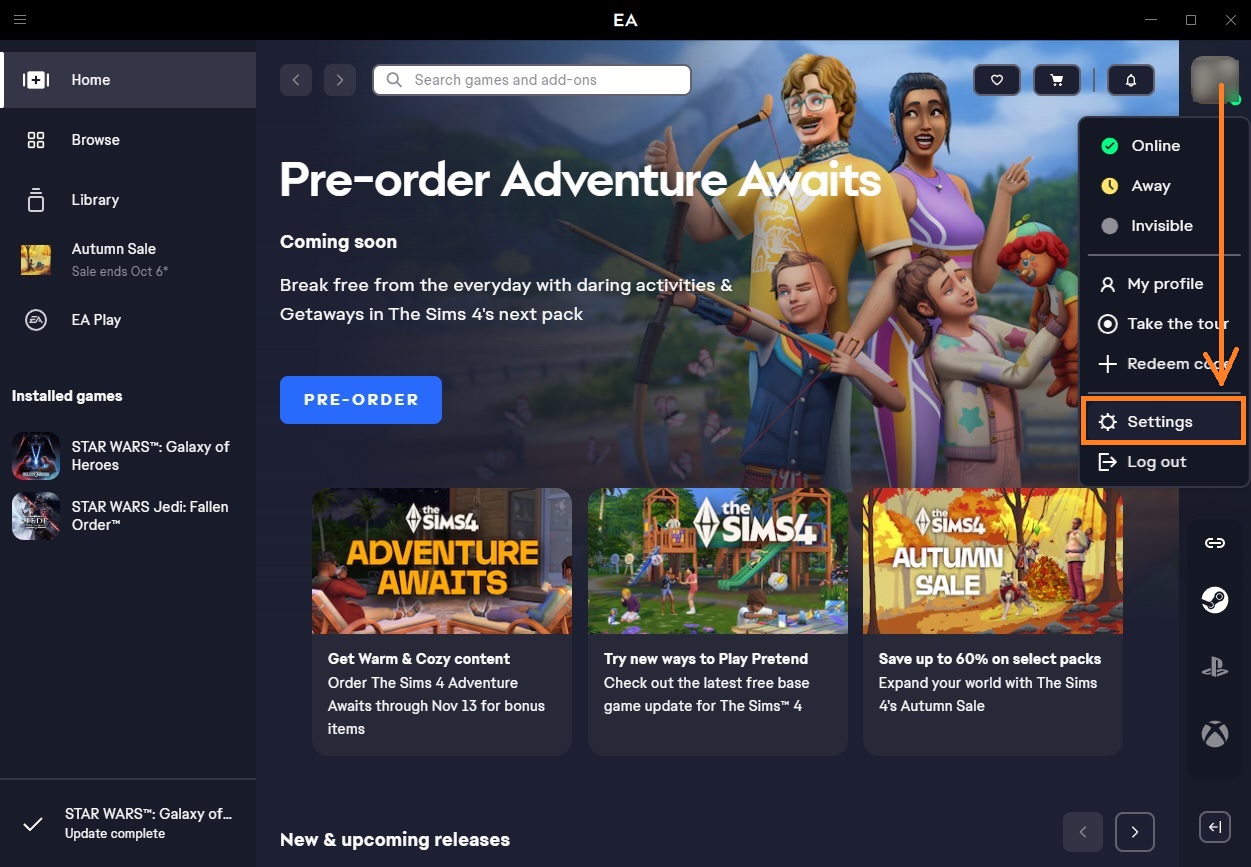
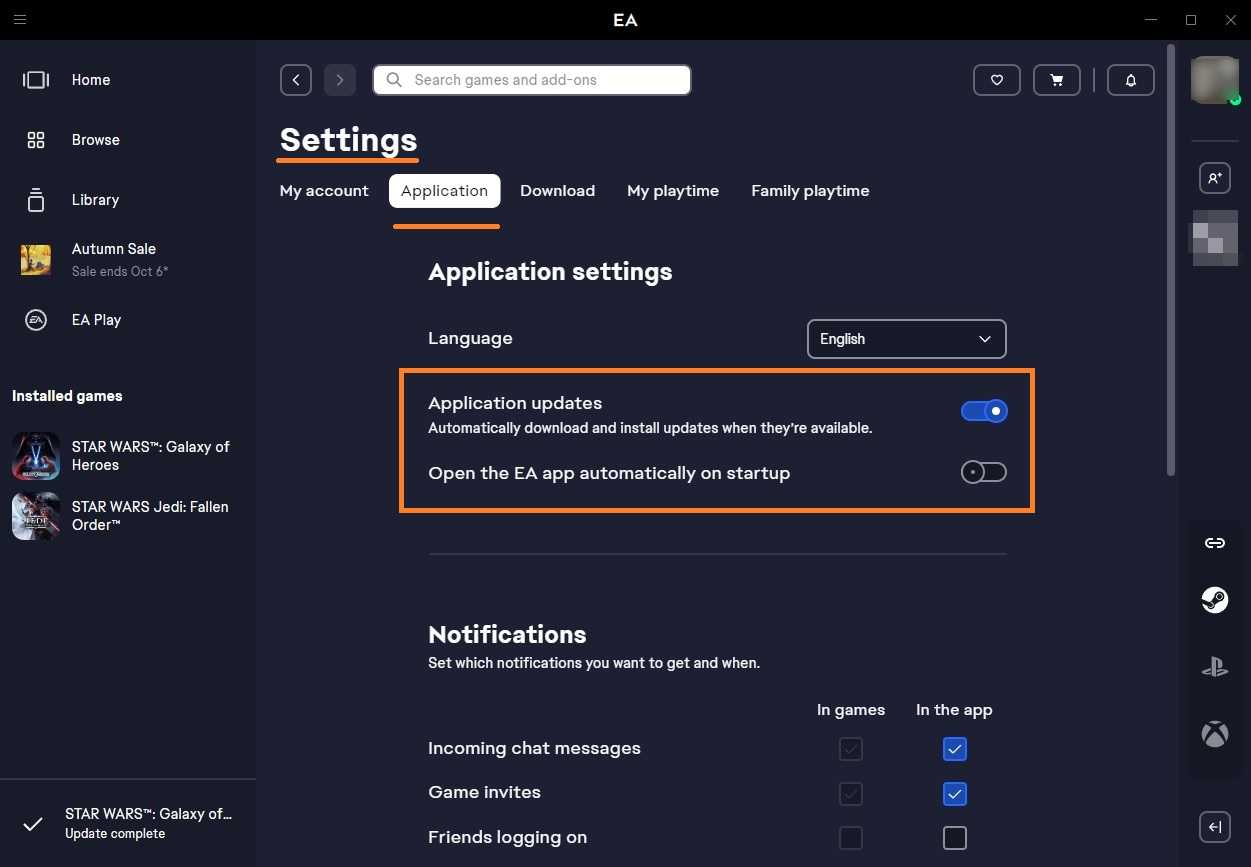
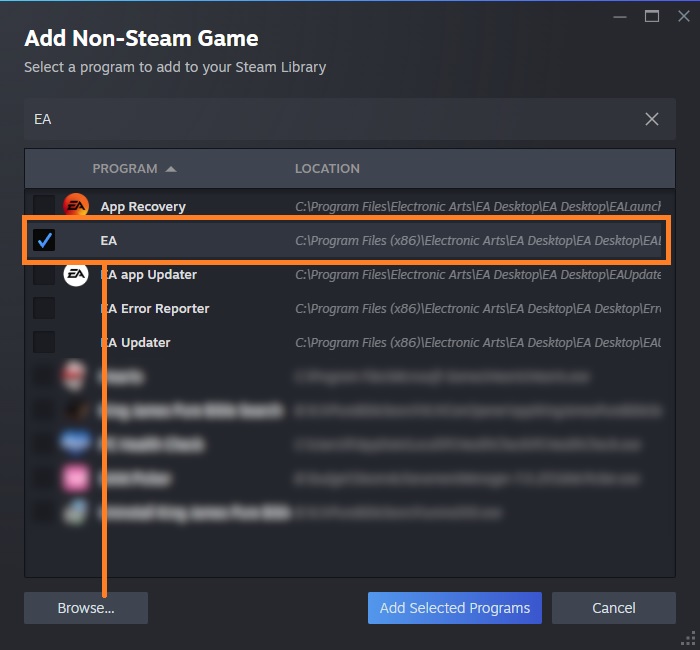
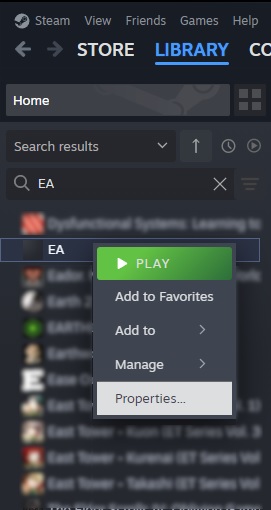
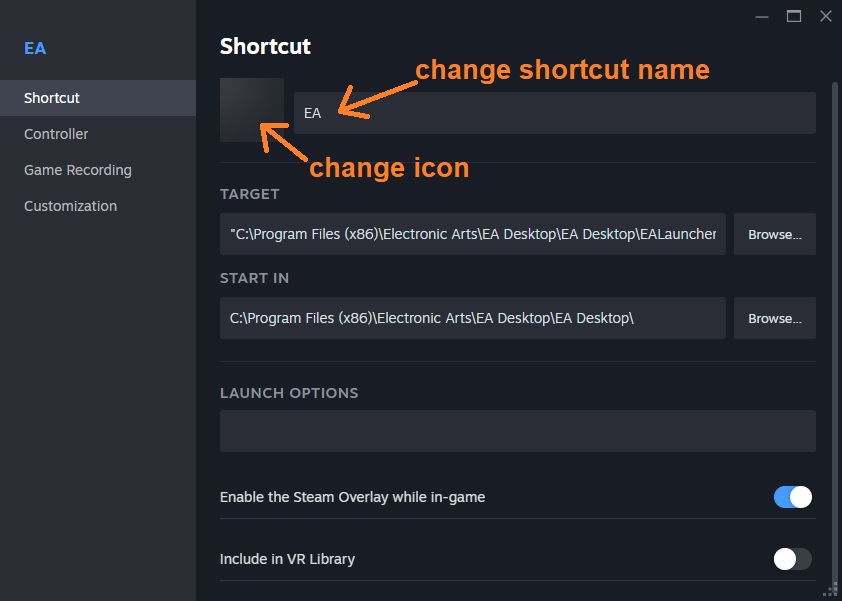
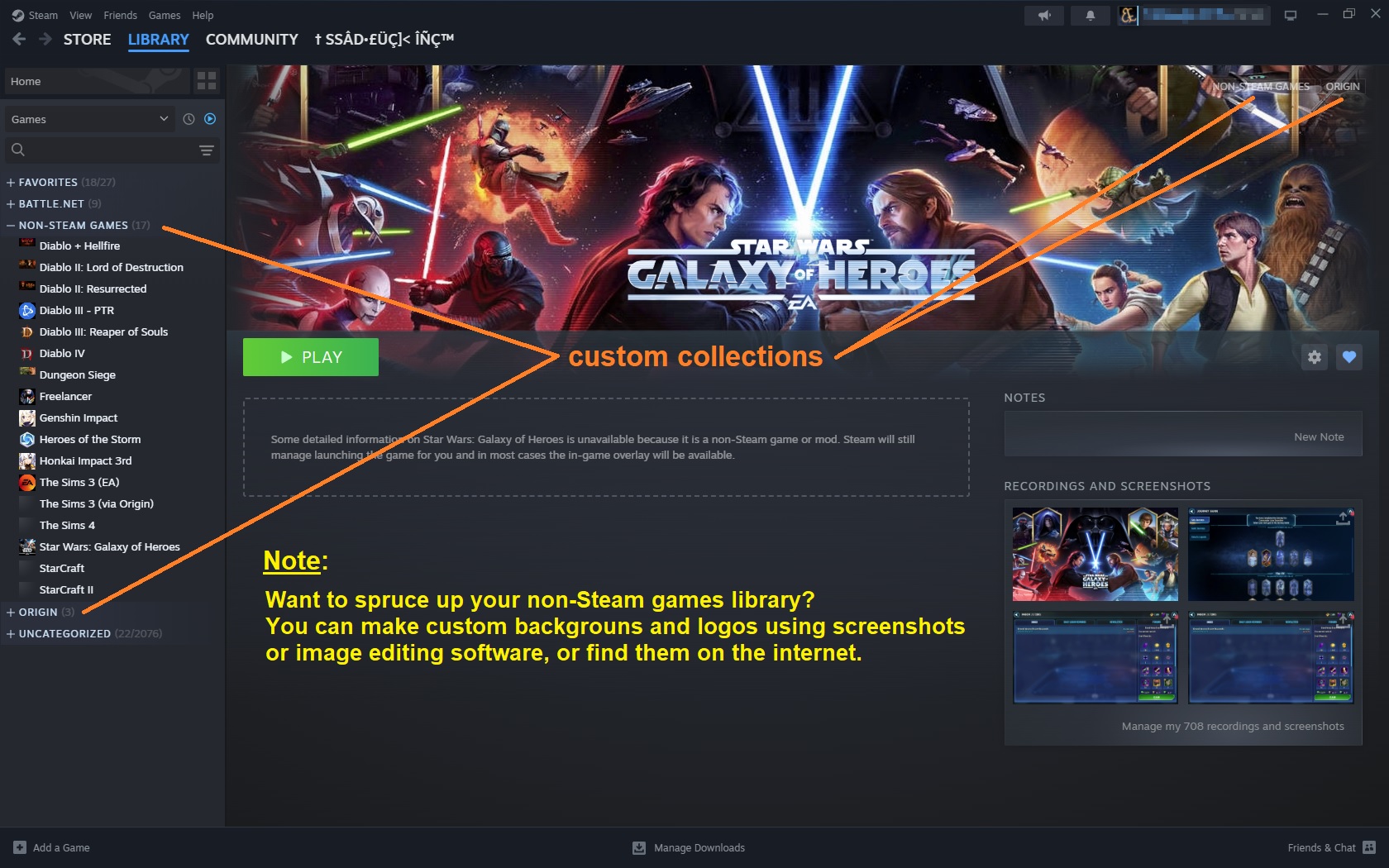
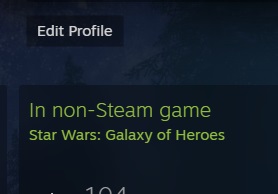



Perhaps one of these days, I will update this for the desktop App. Since the principle is still the same as it was with Origin, it isn't a high priority for me right now.
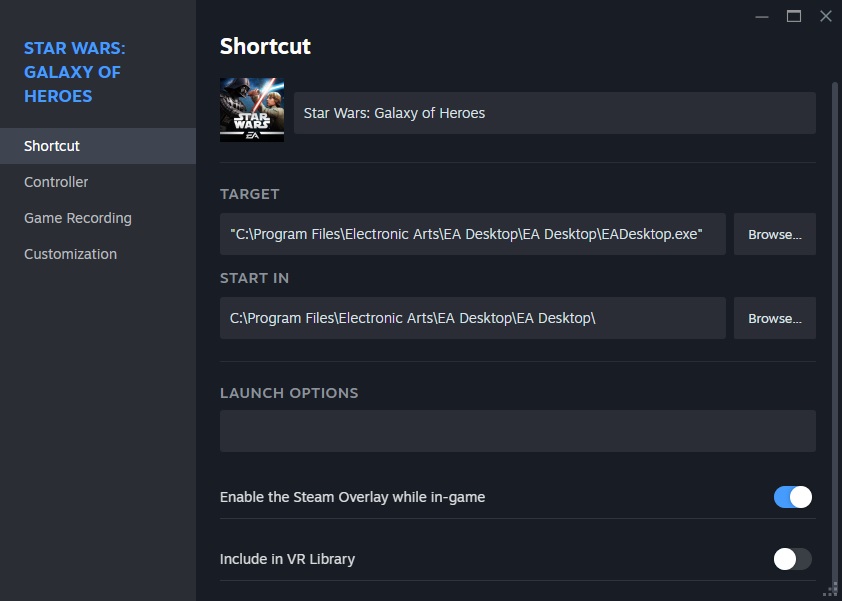
As far as the quotes go, they should always be included in the TARGET field. Not sure why yours didn't, but the way you wrote it in your comment, you forgot the backslash... i.e. C:\Program Files\Electronic Arts\EA Desktop\EA Desktop\ ...which should be in the START IN field. Come to think of it, it would seem by your comment, looks similar to shortcuts made by Windows. So without having a backslash, which Steam added, it would seem that quotes are needed.
Either way, it doesn't hurt for me to test this interesting problem in the future as I am now intrigued.
I'm glad you got it working!
Have fun and enjoy. 😃
An example of how steam creates it, is this:
C:\Program Files\Electronic Arts\EA Desktop\EA Desktop
But this is what you want it to look like:
"C:\Program Files\Electronic Arts\EA Desktop\EA Desktop"
Secondly, I did some testing with Sims 3 with the new EA App and I can confirm the Steam overlay does indeed work! Even though this guide is outdated, the principle is pretty much the same... except you want to BROWSE for and add EADesktop.exe as your non-Steam game. Just name your non-Steam EA App game as your shortcut title if you prefer keeping your screenshots organized. However, be prepared that some developers might disable Steam's overlay from hooking into their game (as has been a reoccurring case with most Call of Duty games on Battle.net).
Good luck and let me know how it goes! Enjoy. 😁