Steam
208 évaluations
Set Steam or Hidden Games as a Group Associated Game
Par Gwen et 1 collaborateur(s)
This guide will show you how to set Steam or Removed Games as your Group's associated game.
   
Récompenser
Ajouter aux favoris
Favoris
Retirer des favoris
Introduction
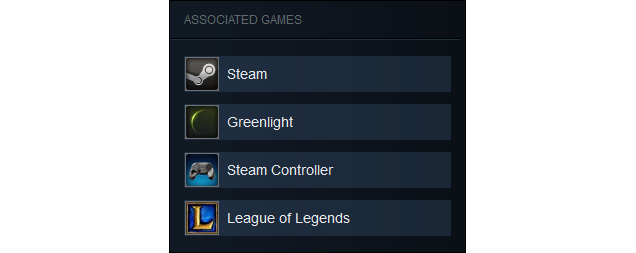
Ever wanted to have your group associated with Steam or a game that's no longer on Steam? Well now you can! Just follow the steps provided in this guide. Here's an example:


Step 1:
Start by heading over to your group's "Edit Group Profile" page in a browser.
Step 2:
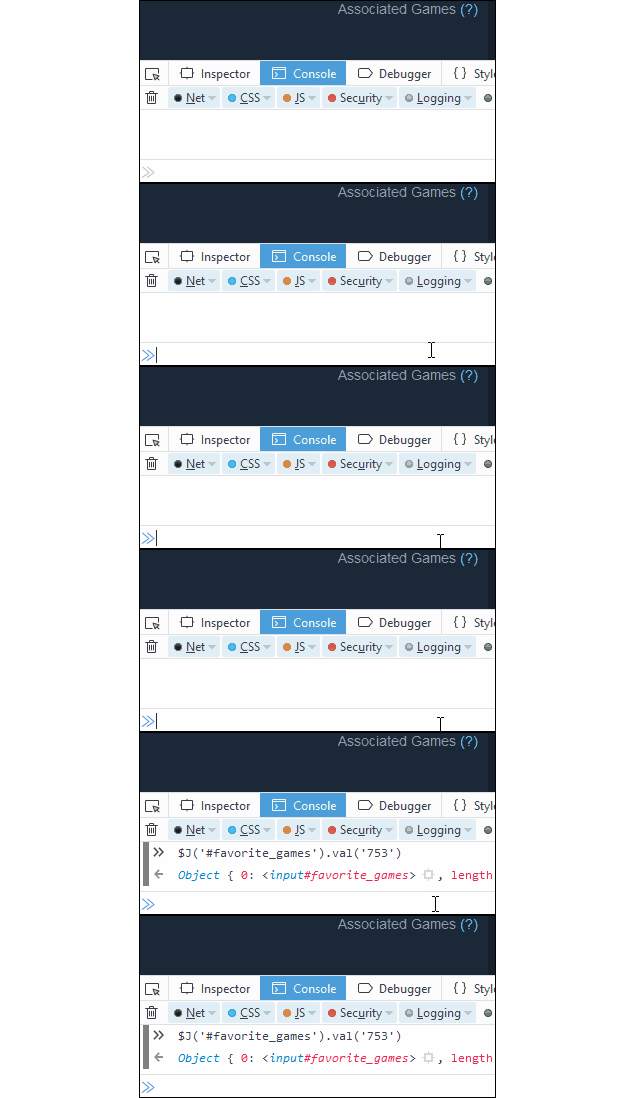
Once you're on the "Edit Group Profile" page, right click anywhere, select "Inspect Elements", and navigate to the "Console" tab. You can also access the console using these shortcuts:
  • Chrome shortcut: Ctrl + Shift + J
  • Firefox Shortcut: Ctrl + Shift + K
Firefox Users: After opening the console you'll need to type the command "allow pasting" without quatation marks. Once you've typed it in, hit enter. You can now use the console.
Step 3:
To add an associated game, enter this into the console:
$J('#favorite_games').val('753')


Once it's in the console, replace 753 with the AppID of the game you want to assosiate and hit enter.
To find which AppID you want, search for your game using SteamDB[steamdb.info]

Click "Save Changes" and you're done!

Here's a short list of common AppID's you may want to use:
  • Steam: 753
  • Greenlight: 765
  • Steam Workshop: 766
  • Steam Controller: 353370
  • Steam Link: 353380
  • Steam VR: 250820
  • League of Legends: 20590

To add more than one associated game, add a comma after each game's AppID.
$J('#favorite_games').val('753,765,440')
⠀⠀⠀⠀⠀⠀⠀⠀⠀⠀⠀⠀⠀⠀⠀⠀⠀The largest collection of profile guides. Follow for more.
10 commentaires
lex 19 oct. 2022 à 21h37 
amazing guide, still works in 2022.
Pomegranate 19 nov. 2020 à 19h57 
Thank you! Excellent guide!!
jay. 1 déc. 2017 à 5h50 
thanks alot <3
GotBakingSoda 1 juil. 2017 à 9h21 
Wow nice :hiirohappy:
trinner 1 juil. 2017 à 0h57 
nice guide :)
Akkouq 30 juin 2017 à 7h41 
Thanks!
Beta 30 juin 2017 à 5h32 
LOL is offical xD
sino 30 juin 2017 à 3h29 
Why is League of Legends an official app on Steam?