Steam
2,236 평점
Steam Profile Textures and Templates
Aezillo 님과 2명의 기여자가 작성
⠀⠀⠀⠀⠀⠀⠀⠀⠀⠀⠀⠀⠀⠀⠀⠀⠀⠀⠀⠀⠀⠀⠀⠀⠀⠀⠀⠀⠀⠀⠀⠀⠀⠀⠀⠀⠀⠀⠀⠀⠀⠀⠀⠀⠀⠀⠀⠀⠀⠀⠀⠀⠀⠀⠀⠀⠀⠀⠀⠀⠀
UPDATED. https://steamproxy.net/sharedfiles/filedetails/?id=2144483683
2
   
어워드

즐겨찾기
즐겨찾기됨
즐겨찾기 해제
ORDER BEST STEAM DESIGN
If you're looking for someone to animate your profile, contact snaws design service.
Feel free to check his Website![www.snaws.design]
Introduction
There's quite a few textures and templates that come in handy when creating images for your Steam profile. I made this guide so I'd have them all in one place.

Open this guide in a browser, right click the image you want, and click "Save Image".
Some images are blurry in this guide. Don't worry, once you save them they won't be!
Profile Textures
Transparent Avatar Texture:

Default Avatars: (Current, Old)

Full In-Game, Online, Offline, and Golden Avatar Textures:

Small In-Game, Online, Offline, and Golden Avatar Textures:

Transparent Favorite Group/Guide Texture:

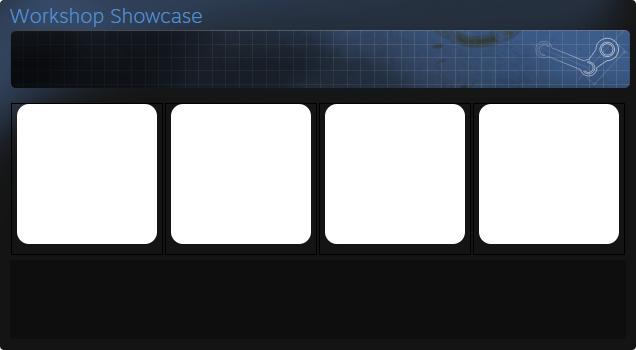
Transparent Workshop Showcase Texture:

Transparent Achievement Showcase Textures:

Transparent Artwork/Screenshot Background Texture:

Blank Background Texture:


For the full texture you can tile, download this image: http://i.imgur.com/PirJJ9T.png
Full Showcase Texture:

Profile Templates
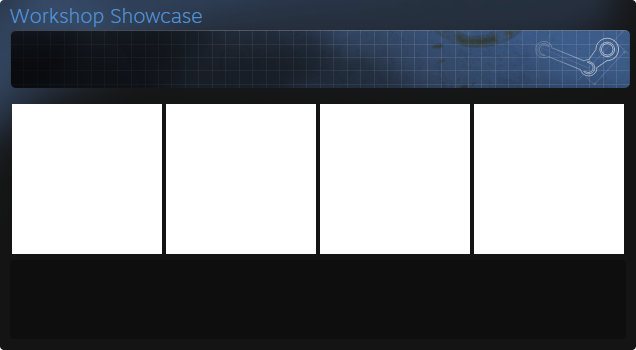
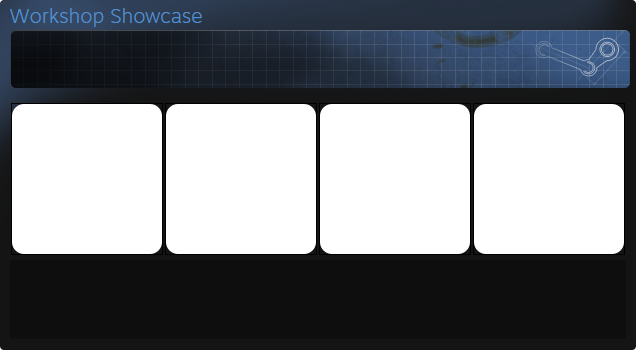
Workshop Showcase Template


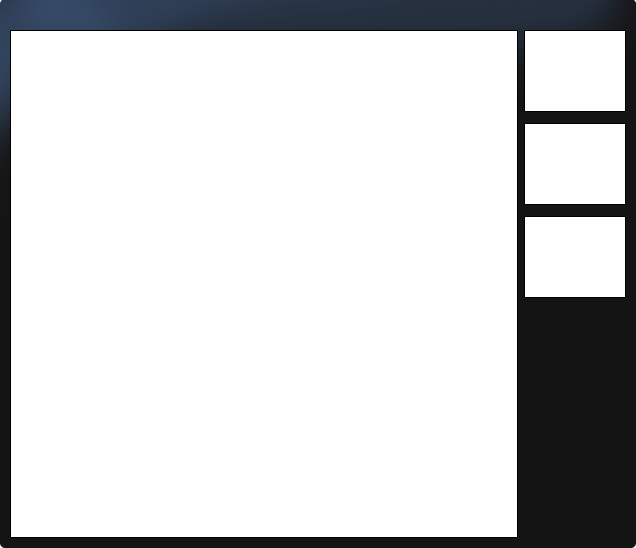
266x266 Artwork/Screenshot Template


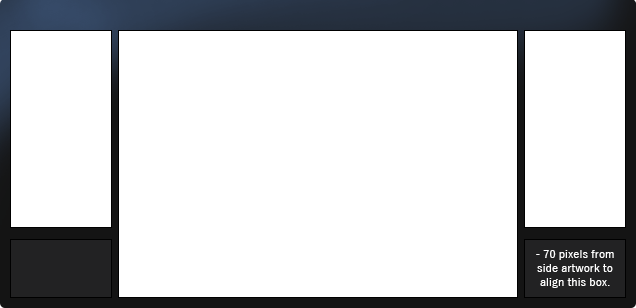
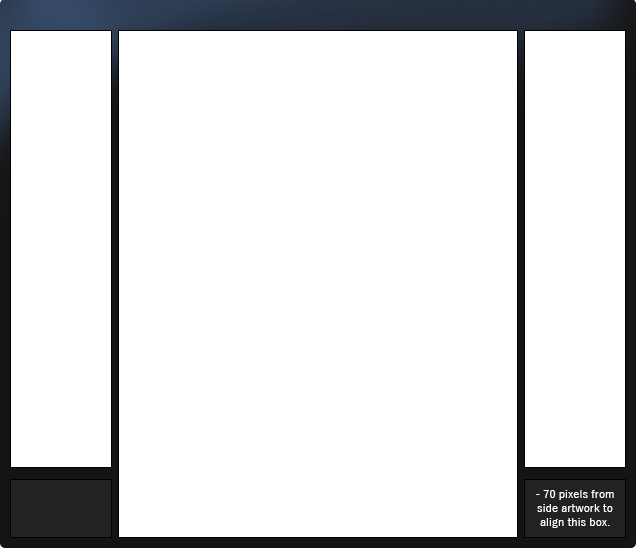
506x506 Artwork/Screenshot Templates


For a long extended template, download this image: http://i.imgur.com/pBM3IBc.png
Closing Notes
This guide was mainly made so I could keep track of some textures, but hopefully it's helpful.
If you have any questions or requests, feel free to leave a comment.

Suggested guides:

http://steamproxy.net/sharedfiles/filedetails/?id=804496635
http://steamproxy.net/sharedfiles/filedetails/?id=892968879
http://steamproxy.net/sharedfiles/filedetails/?id=736635300
⠀⠀⠀⠀⠀⠀⠀⠀⠀⠀⠀⠀⠀⠀⠀⠀⠀The largest collection of profile guides. Follow for more.
댓글 53
🆙 fhucking neegher💤◝ 2023년 7월 30일 오전 4시 11분 
:steamthumbsup: 素晴らしいガイドだ。)
󠁳󠁳⁧⁧YLW 2021년 2월 21일 오전 5시 41분 
awesome guide, gg
Aezillo  [작성자] 2020년 6월 27일 오후 1시 31분 
pascal 2020년 6월 26일 오전 2시 29분 
please update this
Kenz 2020년 4월 9일 오후 1시 14분 
{qqqqq} 2019년 12월 1일 오전 2시 34분 
everyone can add me
шипучка 2019년 7월 1일 오전 11시 08분 
click with magic stick on place, when you need transparent, after selection, press delete , switch template layer on upper layer and select all layers, click RMB , merge layers.
ibehalez 2019년 6월 15일 오전 9시 43분 
but how do i use the transparent template on a picture? because everytime i open a new layer it goes away (i use photoshop cs6 or cs5)
Aezillo  [작성자] 2019년 2월 28일 오전 11시 40분 
jay. 2019년 2월 28일 오전 11시 38분 
@Aevoa, in new update of steam is different texture for workshop showcase cuz there are now 5 slots and not 4, can i ask you for upgrade of it? please :frepeaking: