Garry's Mod

Garry's Mod

1,577 평점
Basic Four Point Lighting
Ninya 님이 작성
So, you want to learn how to light your shots in a basic four light point setup?
Well you've come to the right place I guess??
Also, the end bit will contain some basic info on the bloom and color modification parts of the post process options ingame.
3
9
   
어워드
즐겨찾기
즐겨찾기됨
즐겨찾기 해제
Console commands you'll want to keep in mind
The obvious, Sv_Cheats 1, so you can type bindtoggle o "mat_fullbright" in the console, so you'll be able to toggle fullbright on and off.

Then there's some important ones for shadows:
mat_slopescaledepthbias_shadowmap 2 (default 16)
mat_depthbias_shadowmap 0.00001 (default 0.005)
r_projectedtexture_filter 0.2 (default varies, I tend to use this for sharper shadow edges)
and most importantly:
r_flashlightdepthres 2048/4096
This decides the resolution the game gives your shadows, and is very important for shadows.
Darkomni on facepunch made a good tutorial for shadow stuff, and he can explain it much better than I, here's a link to his tutorial.
http://facepunch.com/showthread.php?t=1112981

Now that we've gotten console commands out of the way, onto the ingame stuff.
Highlight Lamps
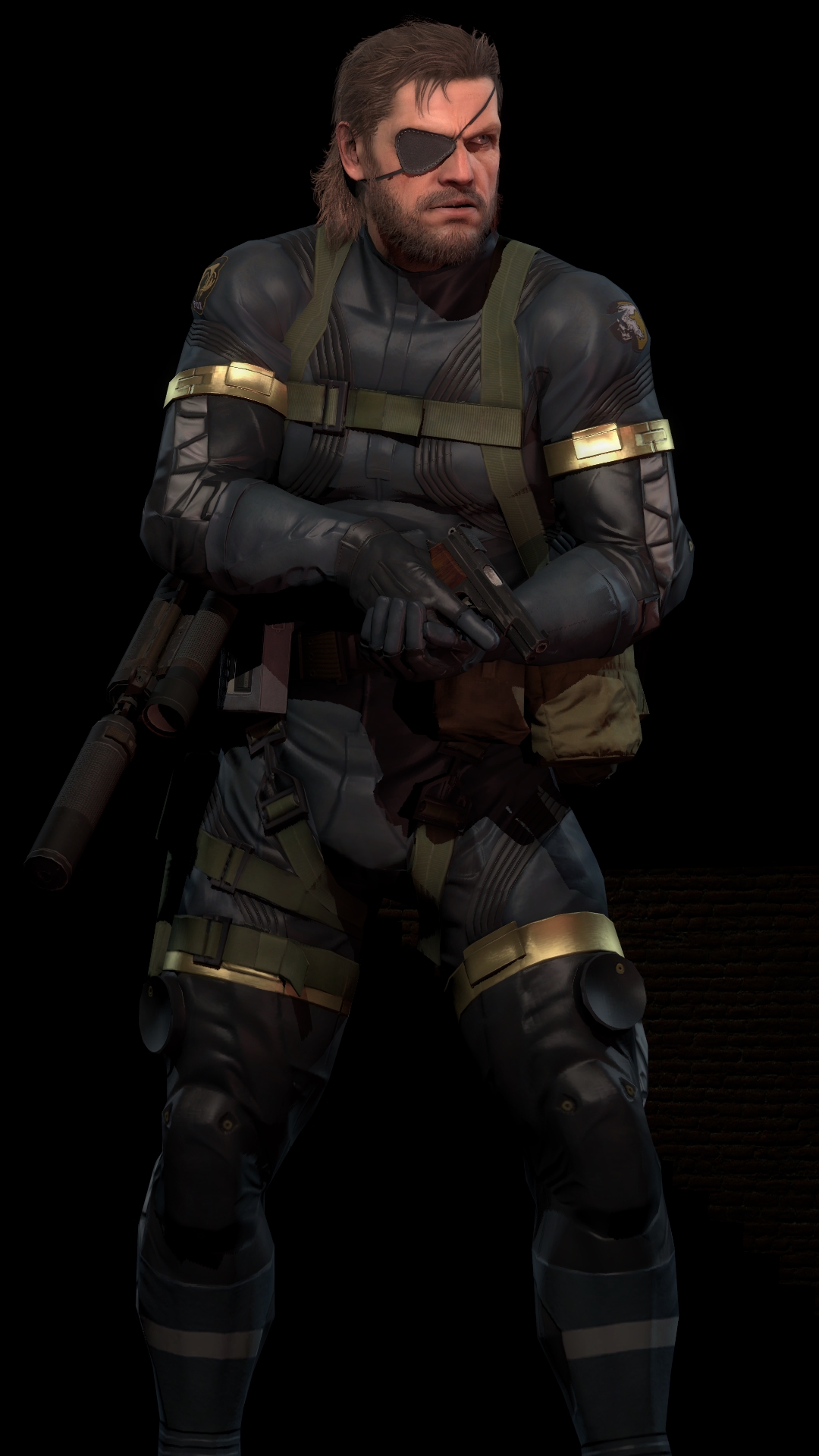
First off, you'll want to pose your model, once it's posed, it should look like this:
(I pose in fullbright, for better performance and so that I can see what I'm doing)


After this you'll want to place two highlight lamps, usually light blue/cyan.
Here's the values I'd suggest
Colours can change, it's really up to the author.


The lamps should be placed like this:
Basically, behind the subject in the picture, on each flank.


And here's how the picture looks by now:


Pretty alright, innit?
We'll still have to place front highlight and fill lamps, however.
Fill lamps
For these, you'll want a weak light, usually in a contrasting manner to the back highlights, so for this one, we'll go for a red fill light, with these values(again, modify in a manner that pleases you):


And you'll want to place the lamp in a manner that usually is opposite the highlight lamp it's facing, so for this one you'd want to place it like this:


Let's see how it looks:


Not bad, not bad!
But we'll still need the front highlight, to complete the light setup and give the picture more depth!
Front highlight lamps
This one's the most simple part for me, it's basically just placing a lamp with similar options to the first one(usually around 1.0 instead of 1.25, and with basically no saturation on the color options), and placing it so it gets a somewhat overhead look onto the model.


And here's how it looks ingame:


Very good!
positions and strengths may be tweaked, all after the author's desires, but for most people this would be it!

Onto color modification and bloom!
Ingame Post Processing
So, you want to add more of a punch to your image's color and look?
Well look no further, because I've got you covered!
Well, in the way I do these things, anyway.

At any rate, first off, don't use any of the default setups on bloom or color modification, those all look bad.

Instead, use options similar to these:


Which will give the image this look:


Other than that, the only thing you'd want to pull after this is SDOF, but that's pretty self explanatory, however, I will refer to a good guide on deviantart, in case any of you good people are stumped on the matter.


Thanks for reading this tutorial, and whoever gets their lighting and post processing options in order after this, you're welcome!

Contact me on deviantart if you have further questions:
http://superninjanub.deviantart.com/

Deviantart SDOF tutorial:
http://forthegmodders.deviantart.com/art/How-to-use-Super-DoF-in-Gmod-152701658
댓글 195
Spooky girl<3 2025년 7월 25일 오후 8시 28분 
I wonder if he ever fixed his gary's mod
dell 2025년 6월 21일 오후 7시 49분 
I think his garry's mod is in trouble.
NoahkingJensen 2025년 3월 14일 오전 8시 23분 
hello again my game close garry,mod help me fix garry,mod
NoahkingJensen 2025년 3월 13일 오전 8시 45분 
hello again my game close garry,mod help me fix garry,mod
NoahkingJensen 2025년 3월 13일 오전 6시 32분 
hello my game close garry,mod help me fix garry,mod
NoahkingJensen 2025년 3월 12일 오전 7시 57분 
hello agian help my game close fix garry,mod
Clocky 2025년 3월 12일 오전 3시 17분 
relax bro
NoahkingJensen 2025년 3월 11일 오전 9시 07분 
hello my game close garry,mod help me
NoahkingJensen 2025년 3월 10일 오전 9시 26분 
hello my game close garry,mod help me
NoahkingJensen 2025년 3월 7일 오전 11시 51분 
hello sorry my game close garry,mod help me