



Steam 설치
로그인
|
언어
简体中文(중국어 간체)
繁體中文(중국어 번체)
日本語(일본어)
ไทย(태국어)
Български(불가리아어)
Čeština(체코어)
Dansk(덴마크어)
Deutsch(독일어)
English(영어)
Español - España(스페인어 - 스페인)
Español - Latinoamérica(스페인어 - 중남미)
Ελληνικά(그리스어)
Français(프랑스어)
Italiano(이탈리아어)
Bahasa Indonesia(인도네시아어)
Magyar(헝가리어)
Nederlands(네덜란드어)
Norsk(노르웨이어)
Polski(폴란드어)
Português(포르투갈어 - 포르투갈)
Português - Brasil(포르투갈어 - 브라질)
Română(루마니아어)
Русский(러시아어)
Suomi(핀란드어)
Svenska(스웨덴어)
Türkçe(튀르키예어)
Tiếng Việt(베트남어)
Українська(우크라이나어)
번역 관련 문제 보고




 어워드
어워드



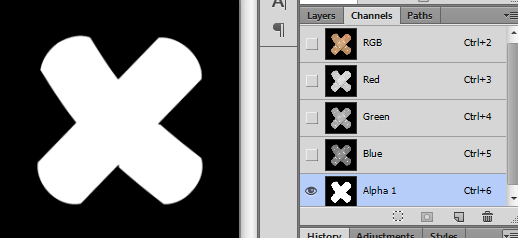
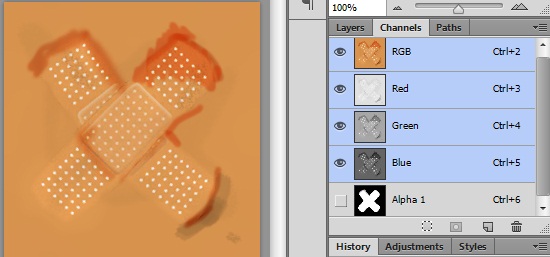
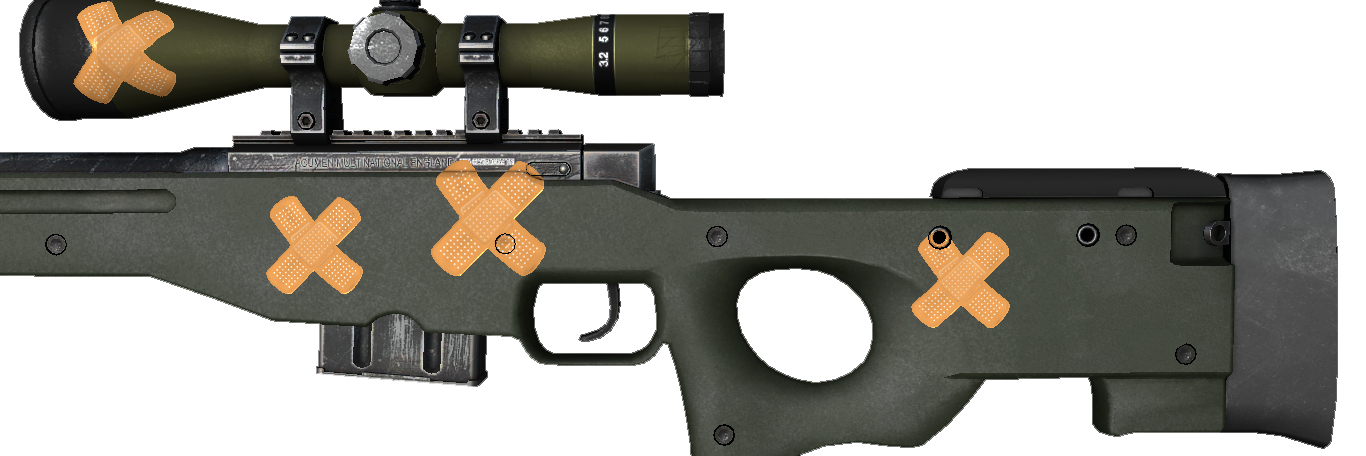
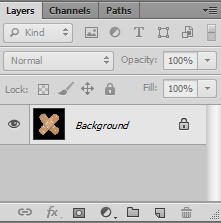
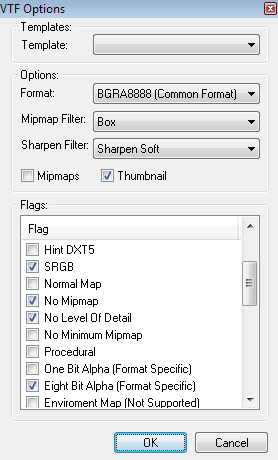
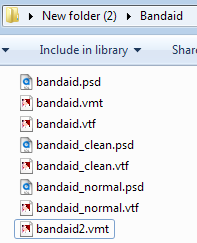
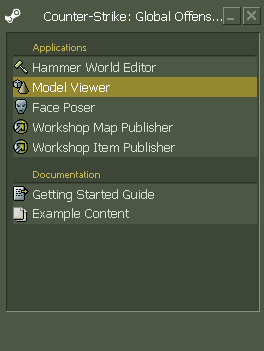
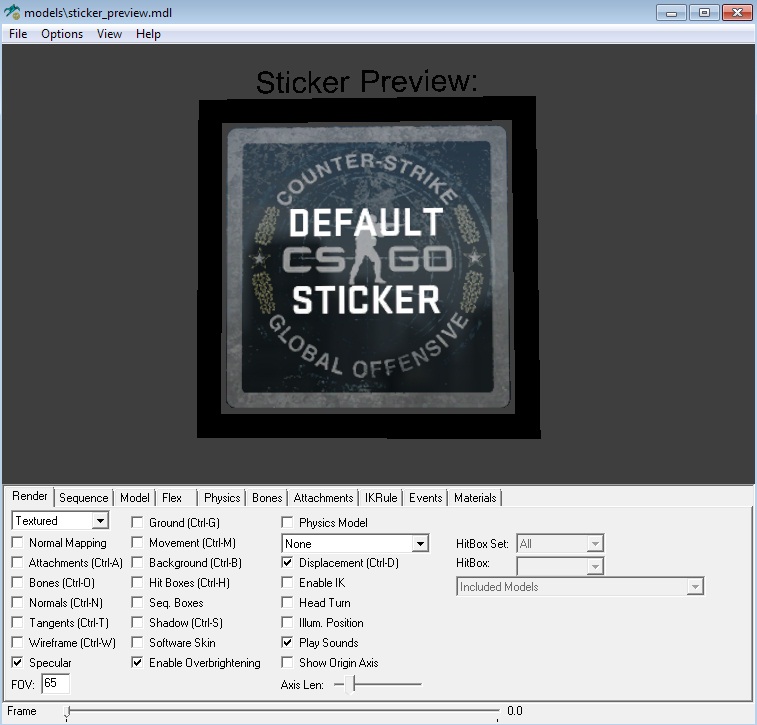
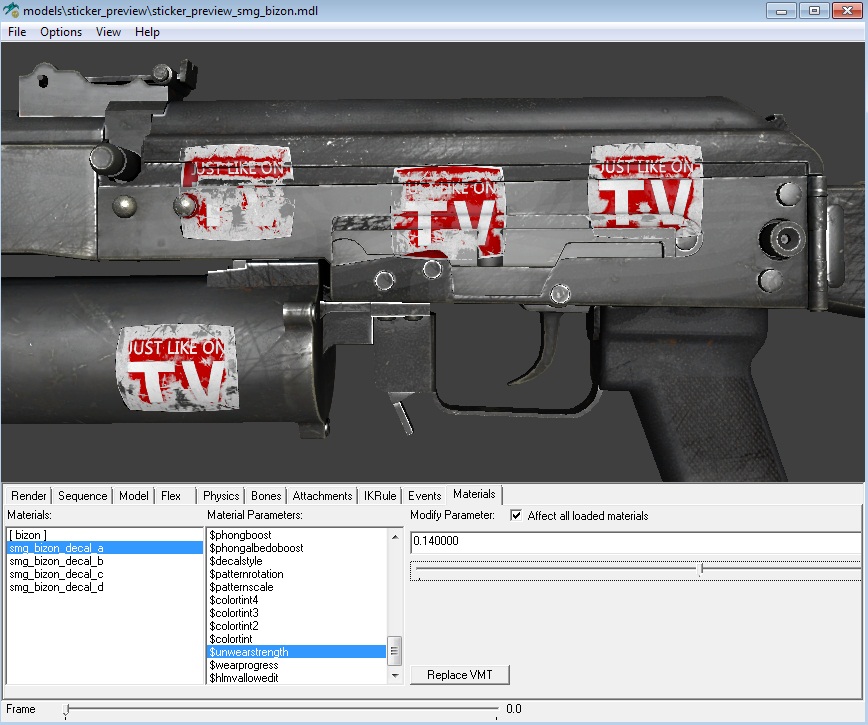
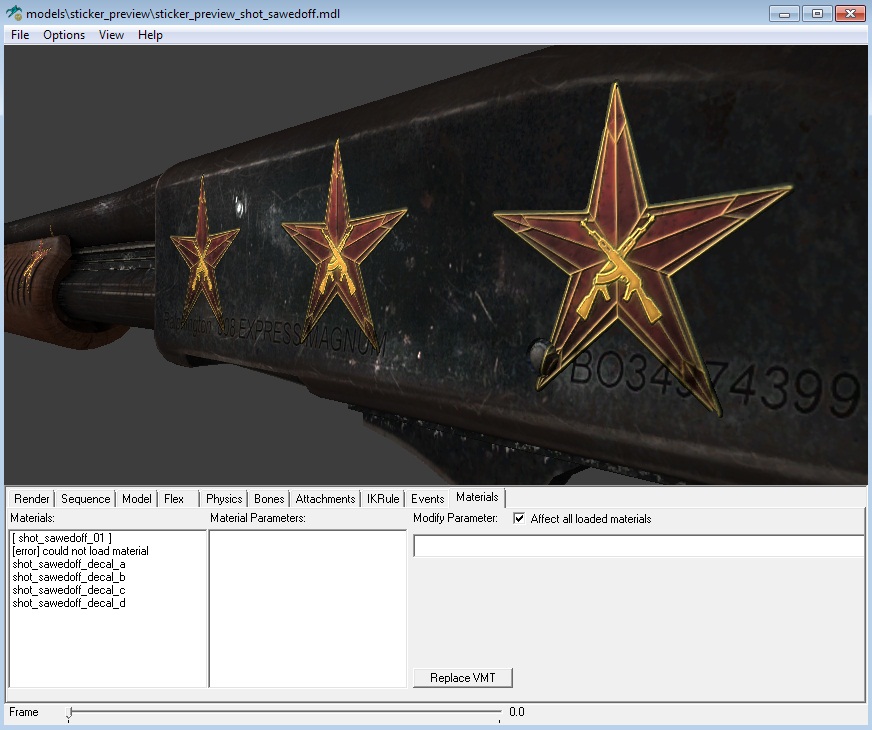
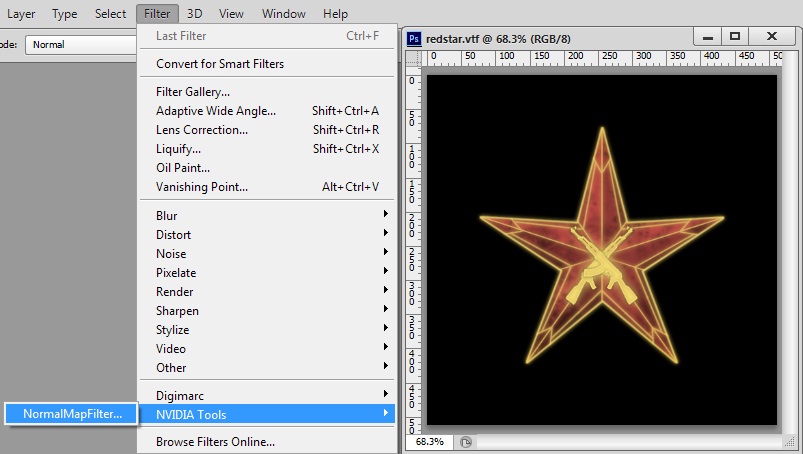
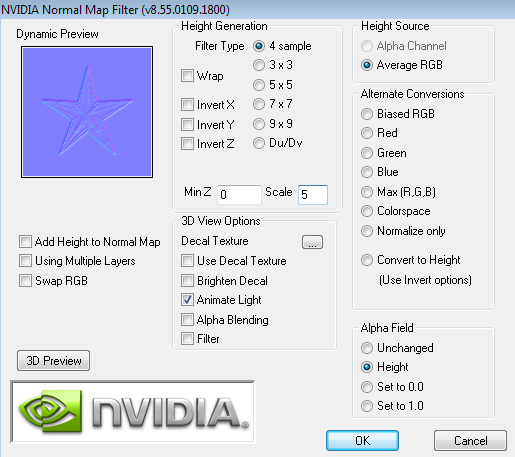
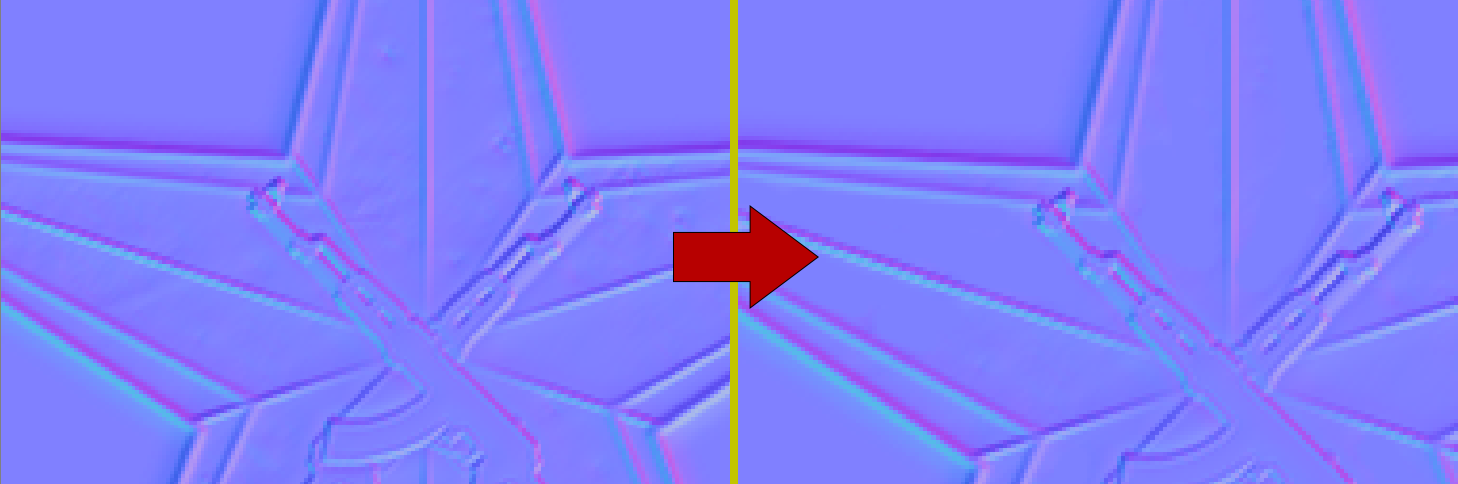
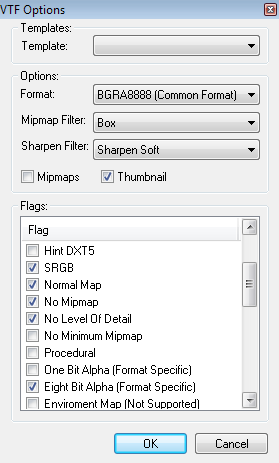
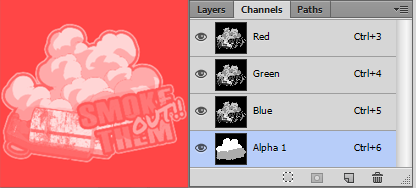







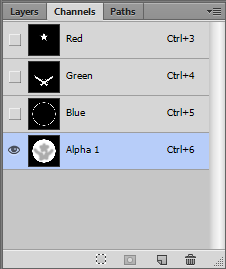
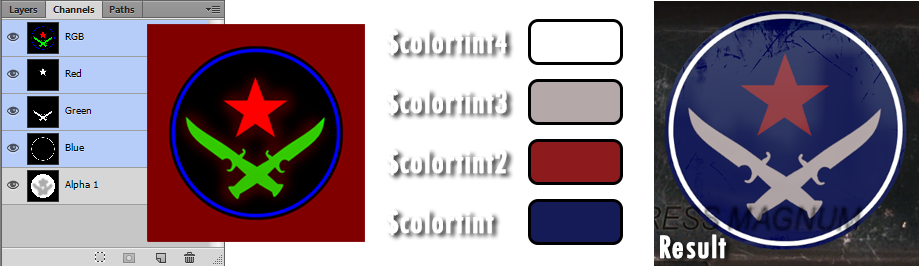
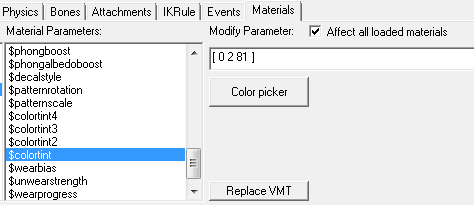
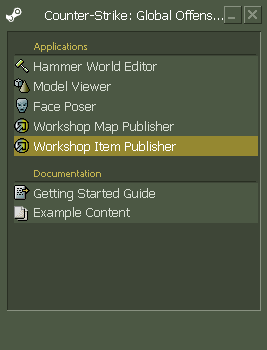
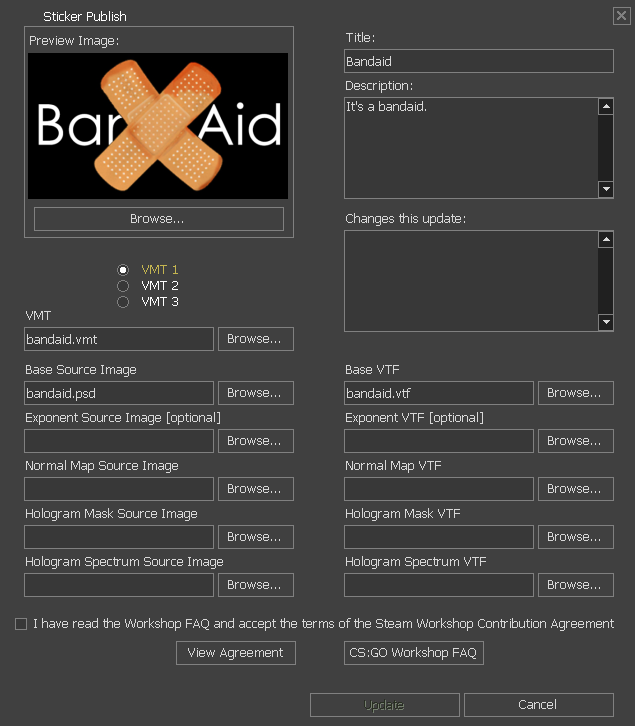
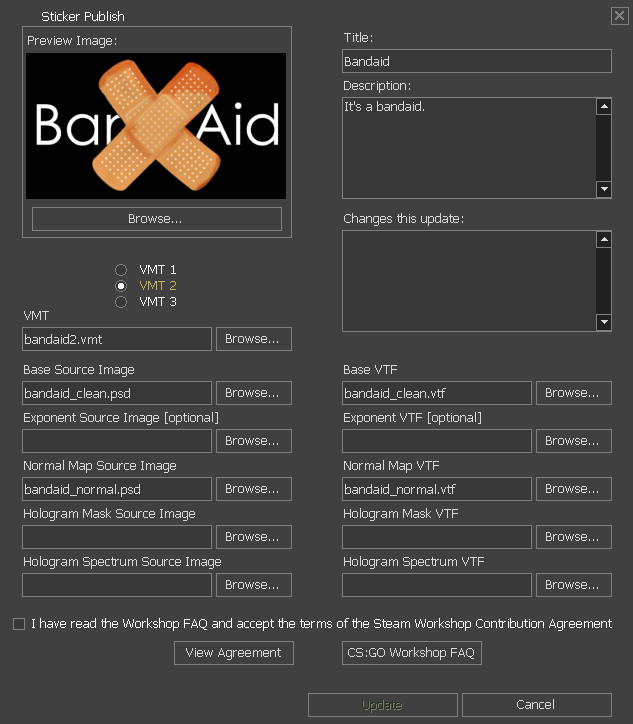



" has $decalstyle 3, but has bad or missing holospectrum source image!"
Any suggestions on how to fix this? Much appreciated.
But from what I heard you get a small cut from every sale.
If you're in a sticker capsule, the cut gets split between every person in that capsule for capsule sales.
But don't quote me on that
I recommend looking into the official Valve SDK Documentation for insight on how materials work in CSGO's Source engine, linked below:
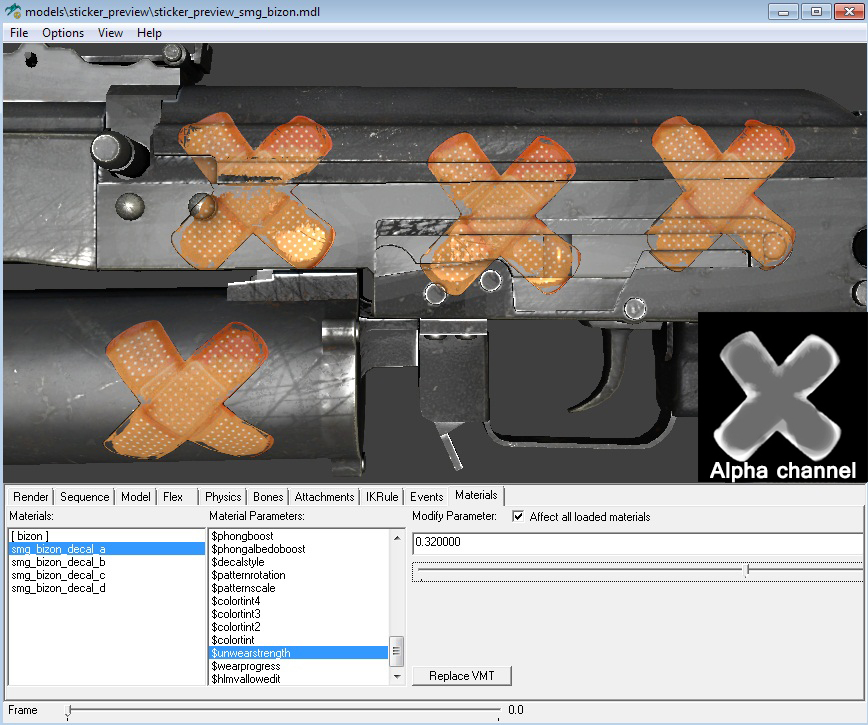
GIMP alpha channel
https://developer.valvesoftware.com/wiki/GIMP
GIMP Alpha channel: https://m.youtube.com/watch?v=LQCziSTNJgQ
https://www.youtube.com/watch?v=A9aZdPqs17M
Using GIMP VTF plugin?
Be sure you're using GIMP 2.80
Not using plugin? Follow this: https://developer.valvesoftware.com/wiki/Creating_a_Material
I have a wiki that relates to the process of making skins / modding: https://steamproxy.net/sharedfiles/filedetails/?id=1501754039&searchtext=Wiki
Use .tga or .tiff image types instead of .jpg or .PNG since they're lossless and supports alpha. More info in the Valve Source SDK Doc