Steam
2,069 평점
Automatically Save Chat History
Aezillo 님과 1명의 기여자가 작성
This guide provides a method for automatically logging and saving Steam chat conversations to be easily viewed later.

   
어워드
즐겨찾기
즐겨찾기됨
즐겨찾기 해제
ORDER BEST STEAM DESIGN
If you're looking for someone to animate your profile, contact snaws design service.
Feel free to check his Website![www.snaws.design]
Note
UPDATE. Use this guide: CLICK HERE
Introduction


Since Steam deletes chat history, conversations are permanently lost and some unread messages get deleted. While phones store chat history a bit better, this guide provides an easy to use program that automatically logs your chats in real time and saves them as an easily accesible text file.
Step 1
Download the Steam chat logger here.[www.dropbox.com]
Step 2
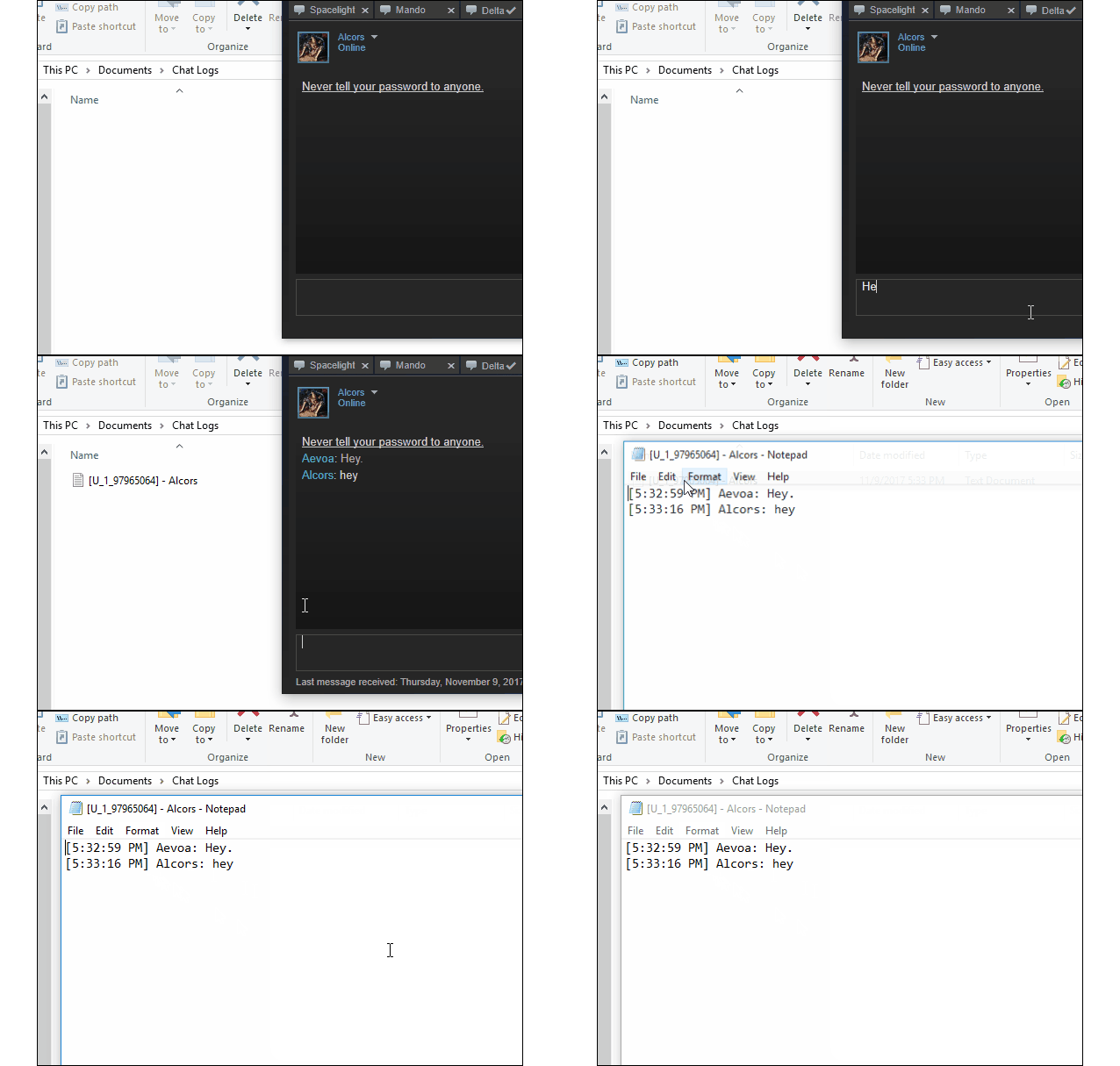
Unzip it and boot it up. It'll automatically start saving each person's chats under their own text file.

Step 3
It saves chat logs to where you unzipped the program, but once the program is open you'll see it in the icon tray. Right click it and go to "Configuration" to change where it saves chat logs and more.


You'll also probably want to click "Start with Windows" to make sure the logger stays on.
And that's it! The application runs mostly in the background with the taskbar icon for interaction.
Video Tutorial
Source Code
If you're interested, the program's source code can be found here.[github.com]
Closing Notes
I hope you enjoyed this guide. If you have any questions, please leave a comment.
The chat logger tool was created by VoiDeD.[github.com]
⠀⠀⠀⠀⠀⠀⠀⠀⠀⠀⠀⠀⠀⠀⠀⠀⠀The largest collection of profile guides. Follow for more.
Donate a coffee! Ko-fi.com/AeGuides
psssst...
Like what I do?
Donate a coffee! Ko-fi.com/AeGuides
댓글 89
TortFeastor 2025년 7월 11일 오전 9시 54분 
What's with the Furry buttcheeks? lol time for a new logo
NightBlade 2025년 2월 26일 오전 12시 38분 
Doesnt save info for me.
micque 2024년 10월 21일 오후 2시 30분 
nothing seems to be saving to me unless I did something wrong, set my directory as the documents folder but when I send something there's no recently changed files
BulletBear 2020년 12월 31일 오전 5시 02분 
good work, it´s a simple way to save // working since 3y perfect :) thanks man
kasımpaşa 2020년 4월 27일 오후 3시 10분 
Its worked now?
Aezillo  [작성자] 2019년 4월 28일 오전 12시 33분 
ᵃᶻᶻᵈᵃ 2019년 4월 26일 오전 5시 36분 
can't wait to have this on spookers mercury bot
spO_okER;; 🌴 2019년 4월 23일 오전 8시 05분 
I will try to implement this on my bot
Aezillo  [작성자] 2019년 3월 24일 오후 10시 59분 
if someone writes a new program to work with the new client I'll update the guide.
Pixels303 2019년 3월 24일 오후 10시 53분 
looks like this utility doesn't work any longer, even with the -steamos launch code. Rest in peace