



安裝 Steam
登入
|
語言
簡體中文
日本語(日文)
한국어(韓文)
ไทย(泰文)
Български(保加利亞文)
Čeština(捷克文)
Dansk(丹麥文)
Deutsch(德文)
English(英文)
Español - España(西班牙文 - 西班牙)
Español - Latinoamérica(西班牙文 - 拉丁美洲)
Ελληνικά(希臘文)
Français(法文)
Italiano(義大利文)
Bahasa Indonesia(印尼語)
Magyar(匈牙利文)
Nederlands(荷蘭文)
Norsk(挪威文)
Polski(波蘭文)
Português(葡萄牙文 - 葡萄牙)
Português - Brasil(葡萄牙文 - 巴西)
Română(羅馬尼亞文)
Русский(俄文)
Suomi(芬蘭文)
Svenska(瑞典文)
Türkçe(土耳其文)
tiếng Việt(越南文)
Українська(烏克蘭文)
回報翻譯問題


















 獎勵
獎勵



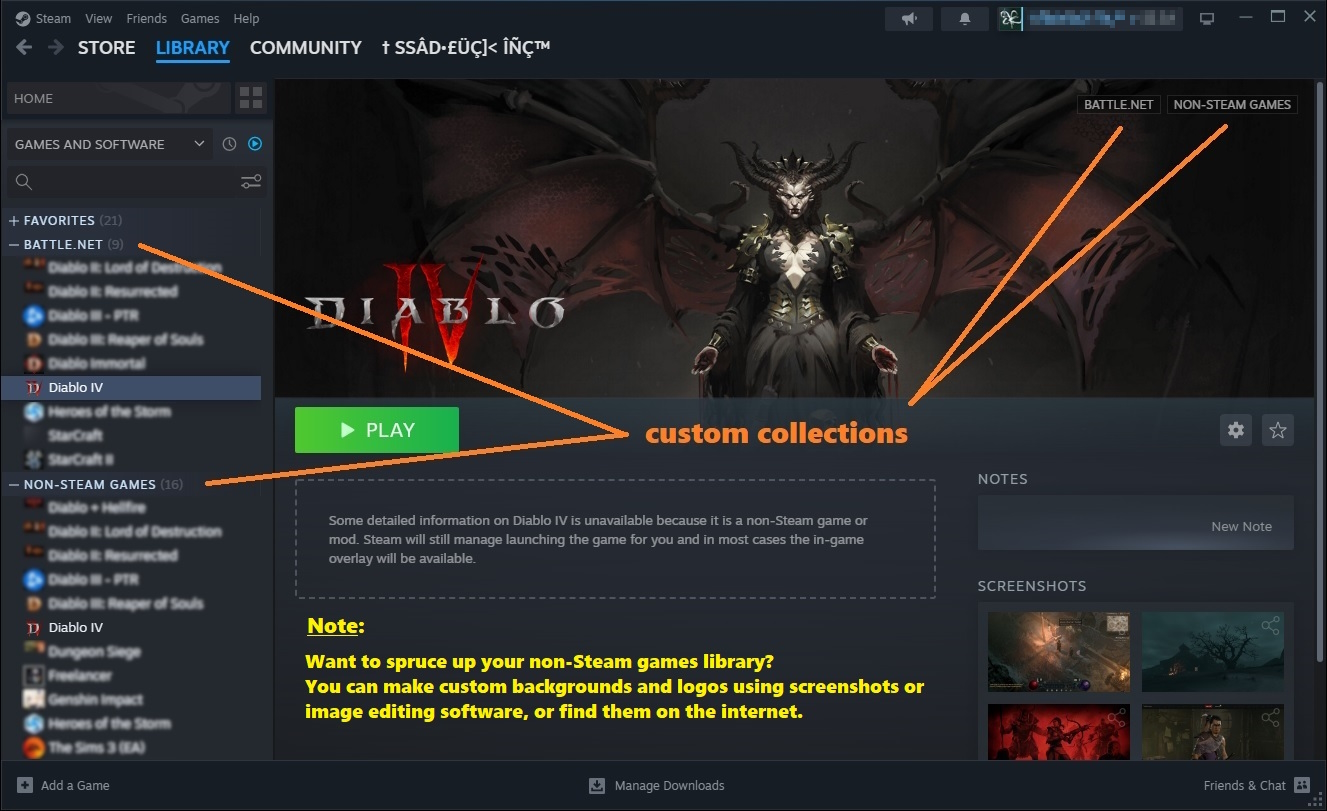
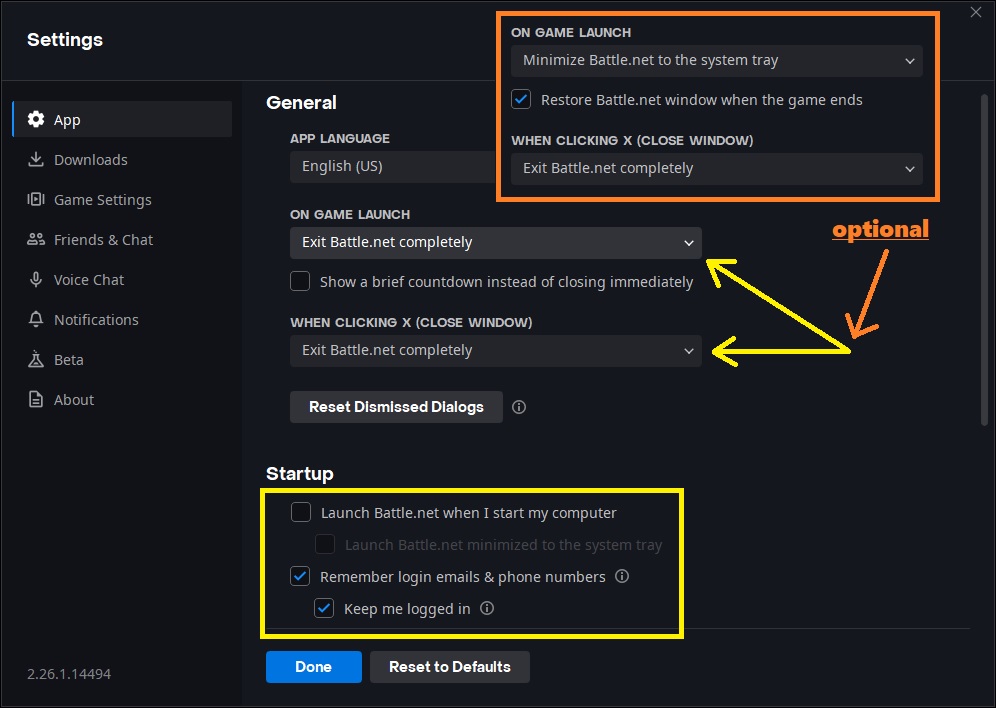
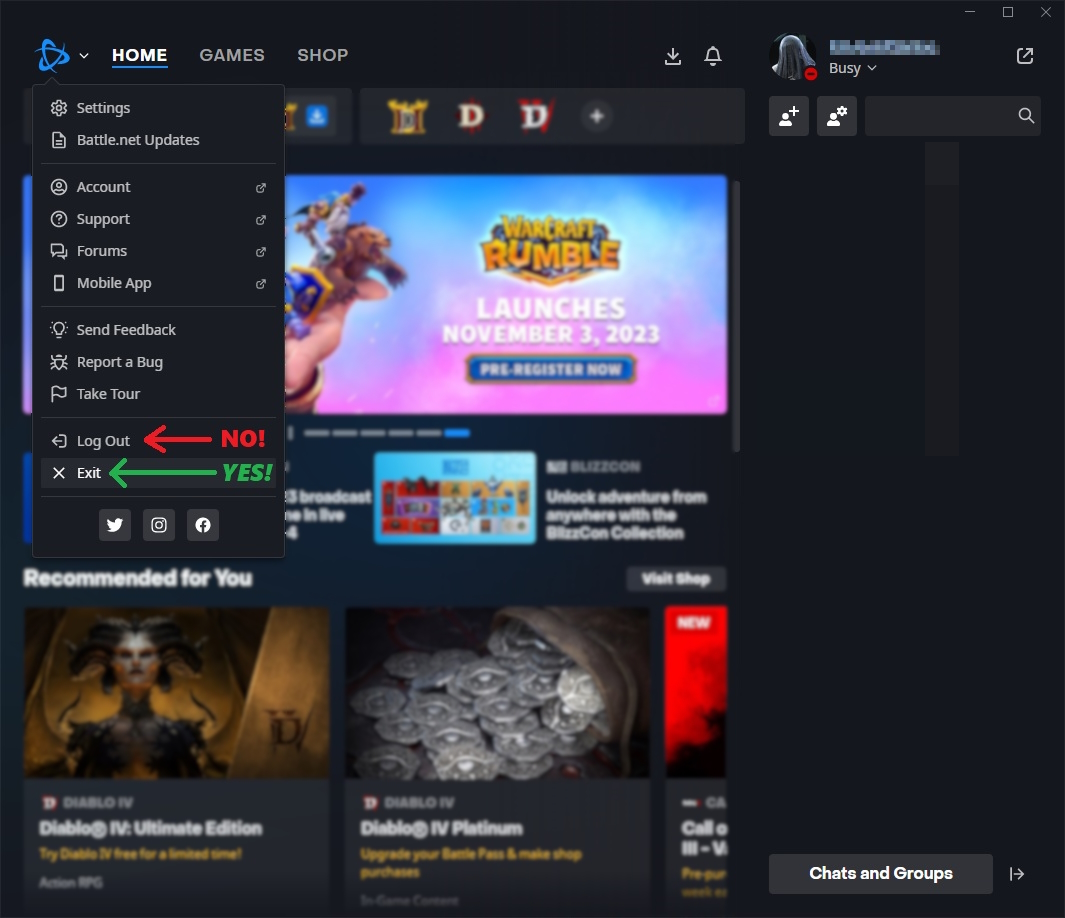
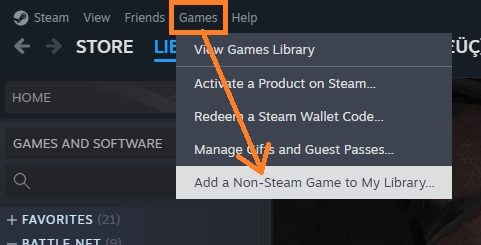
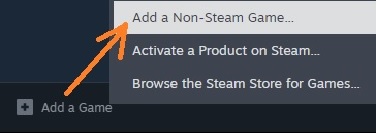
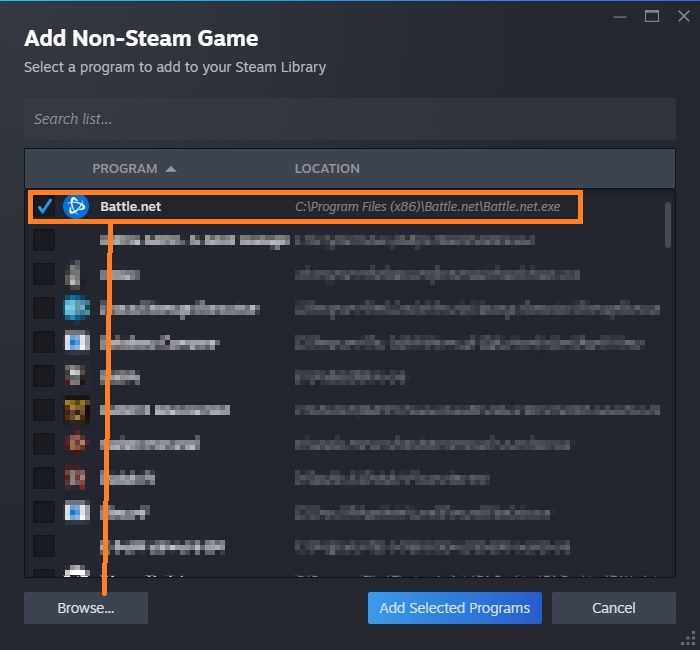
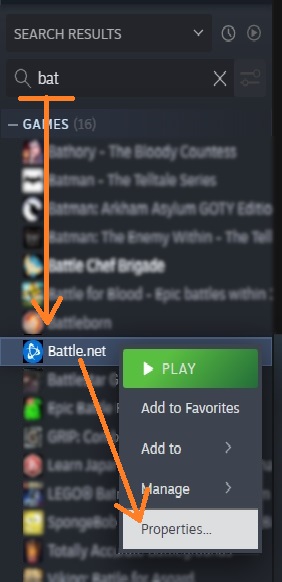
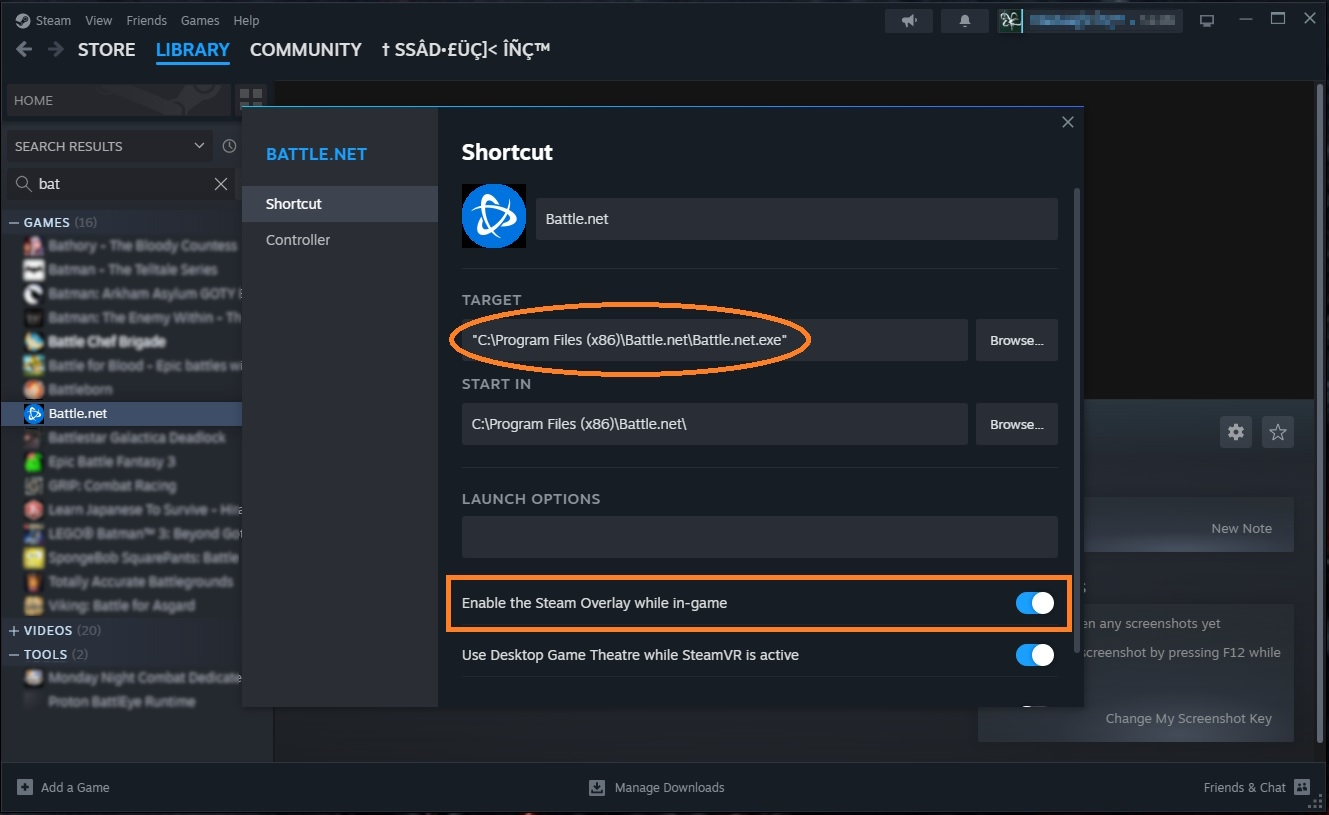
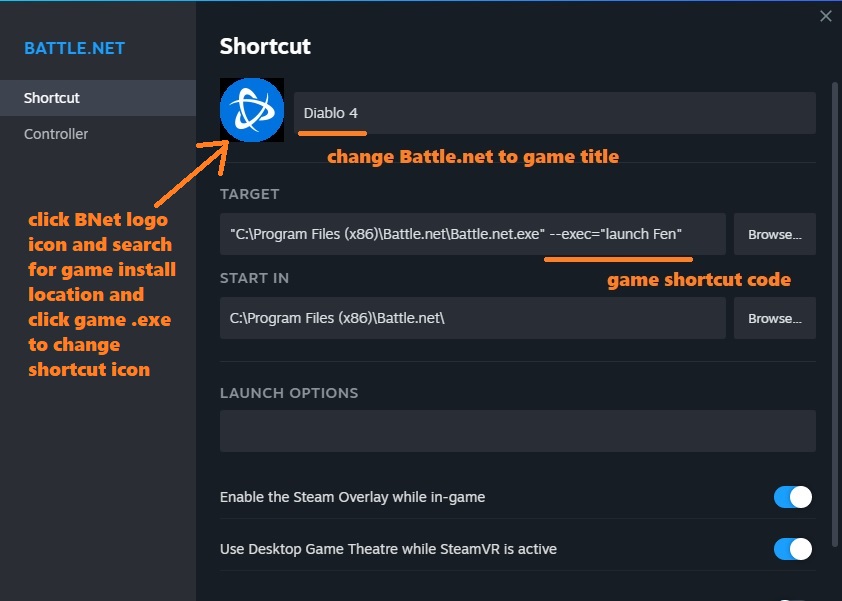
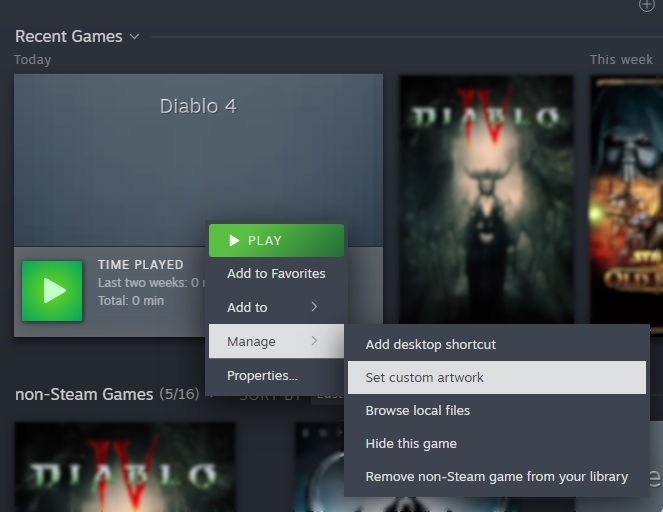
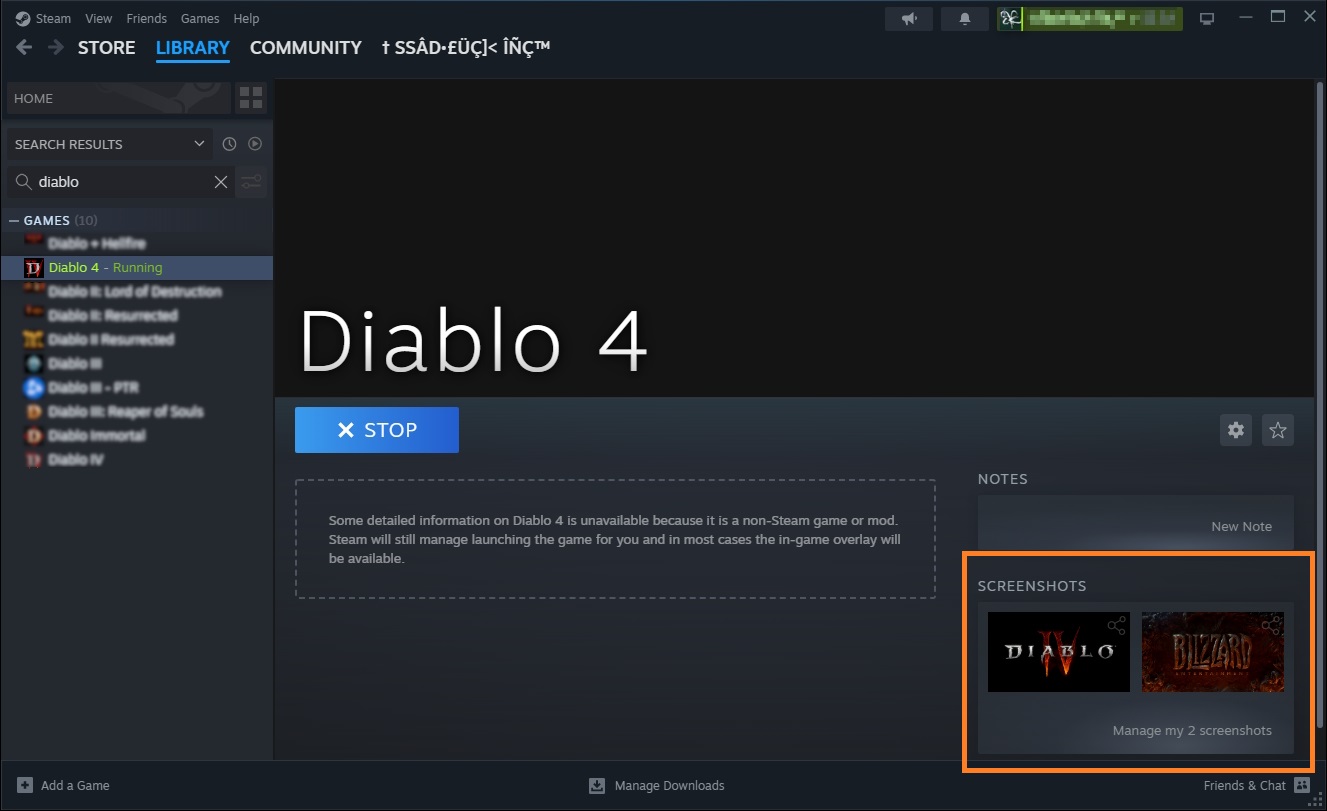
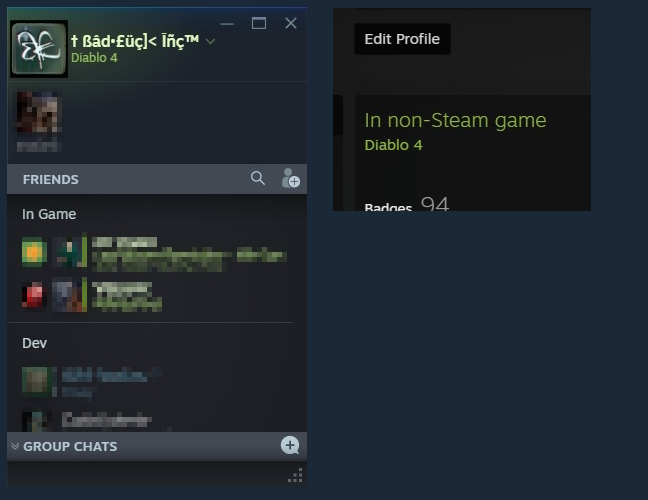
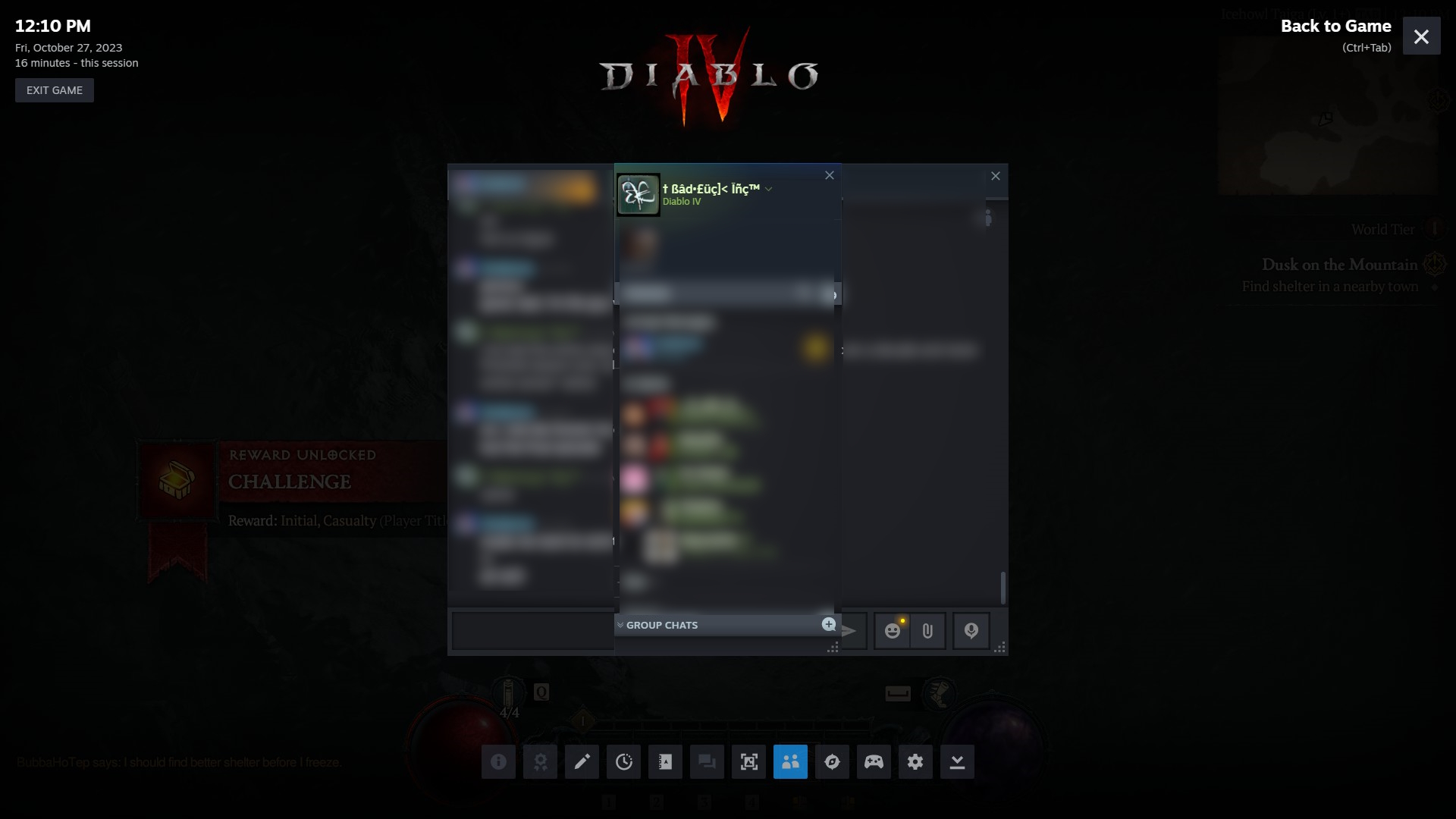

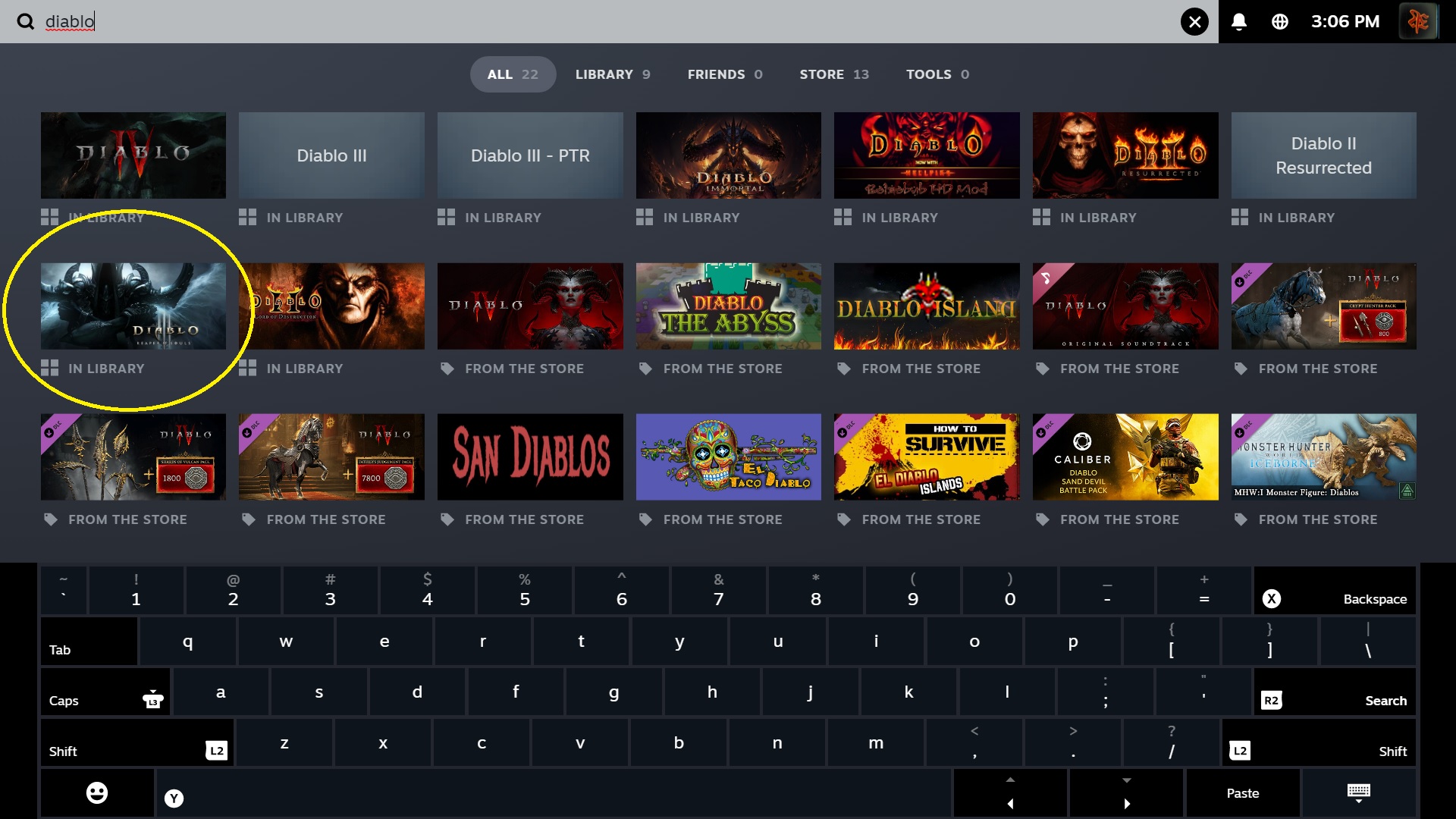
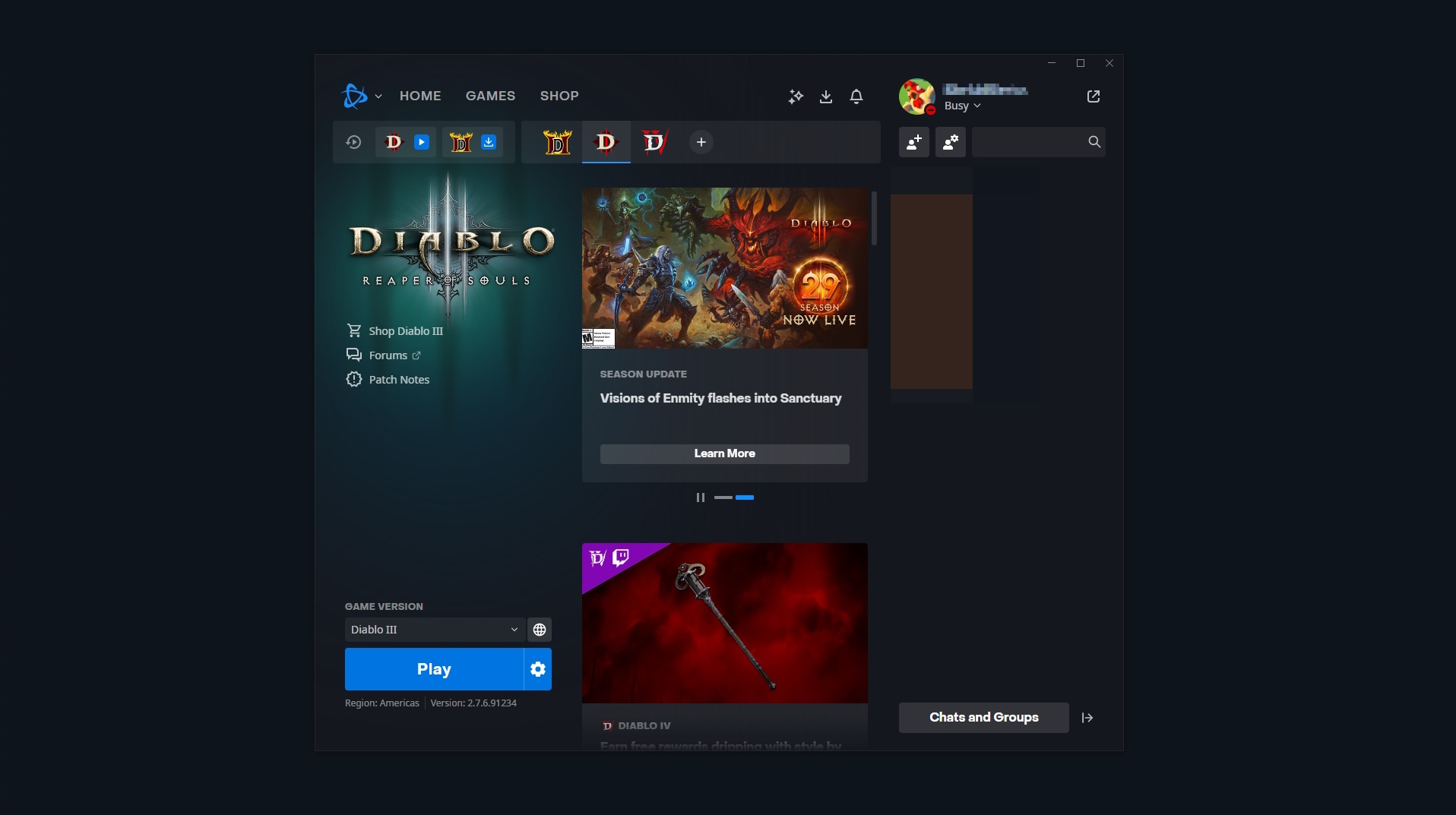
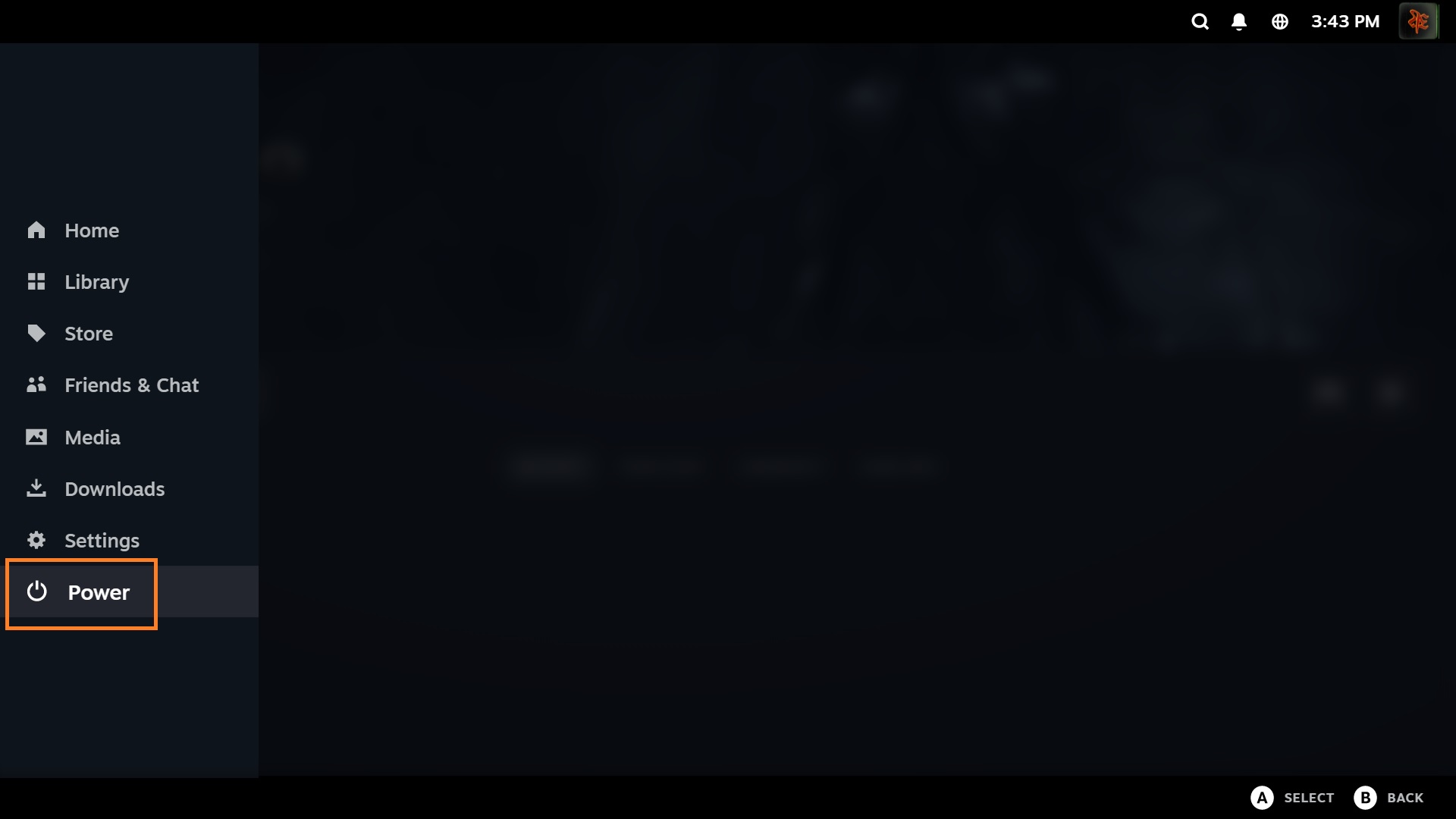
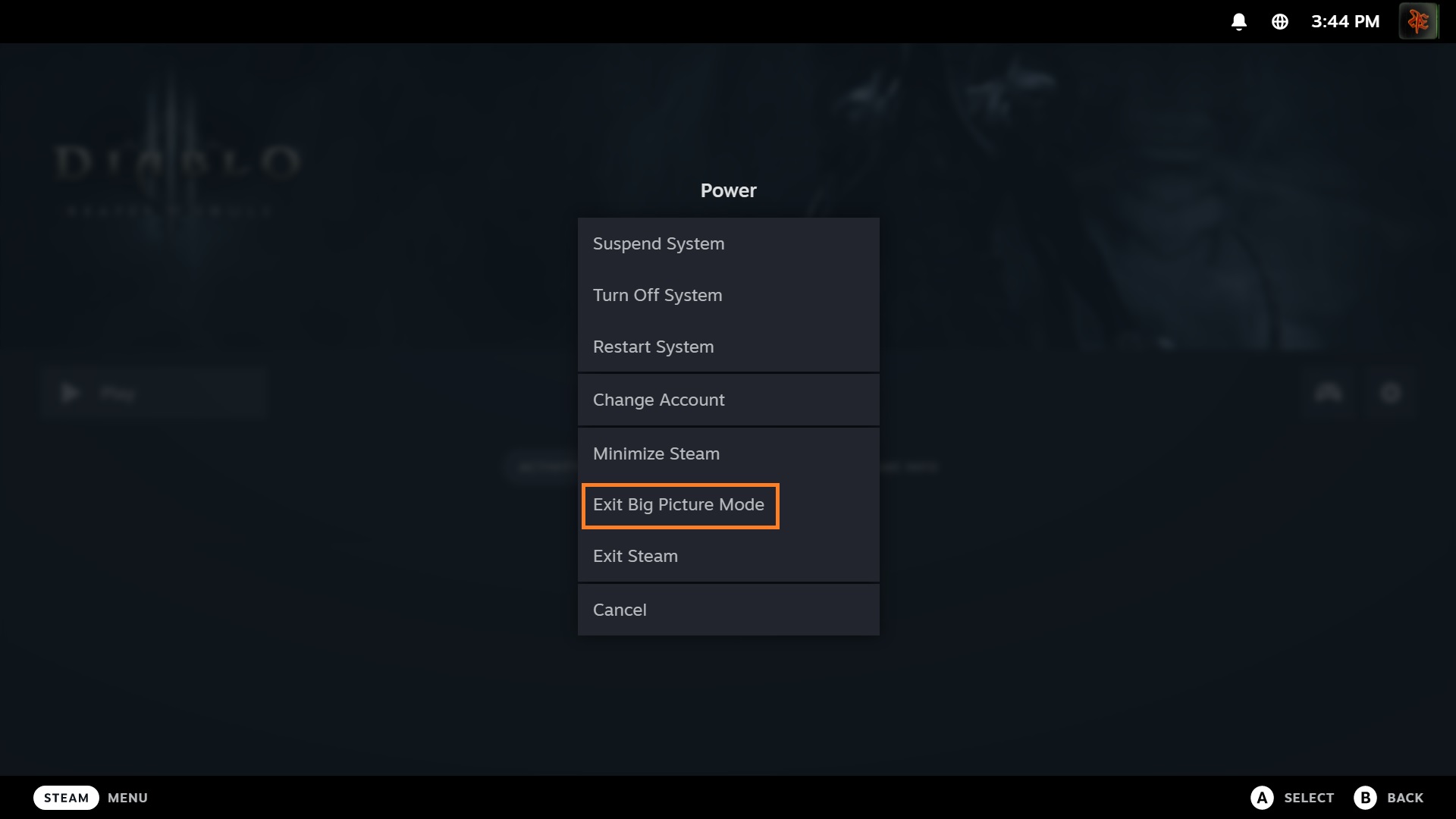
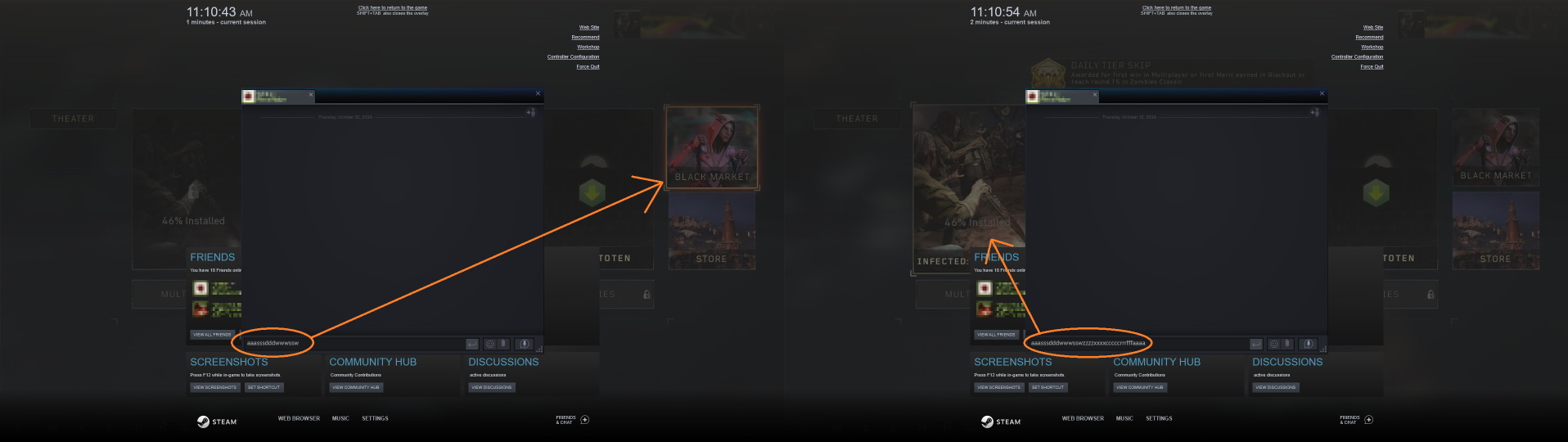
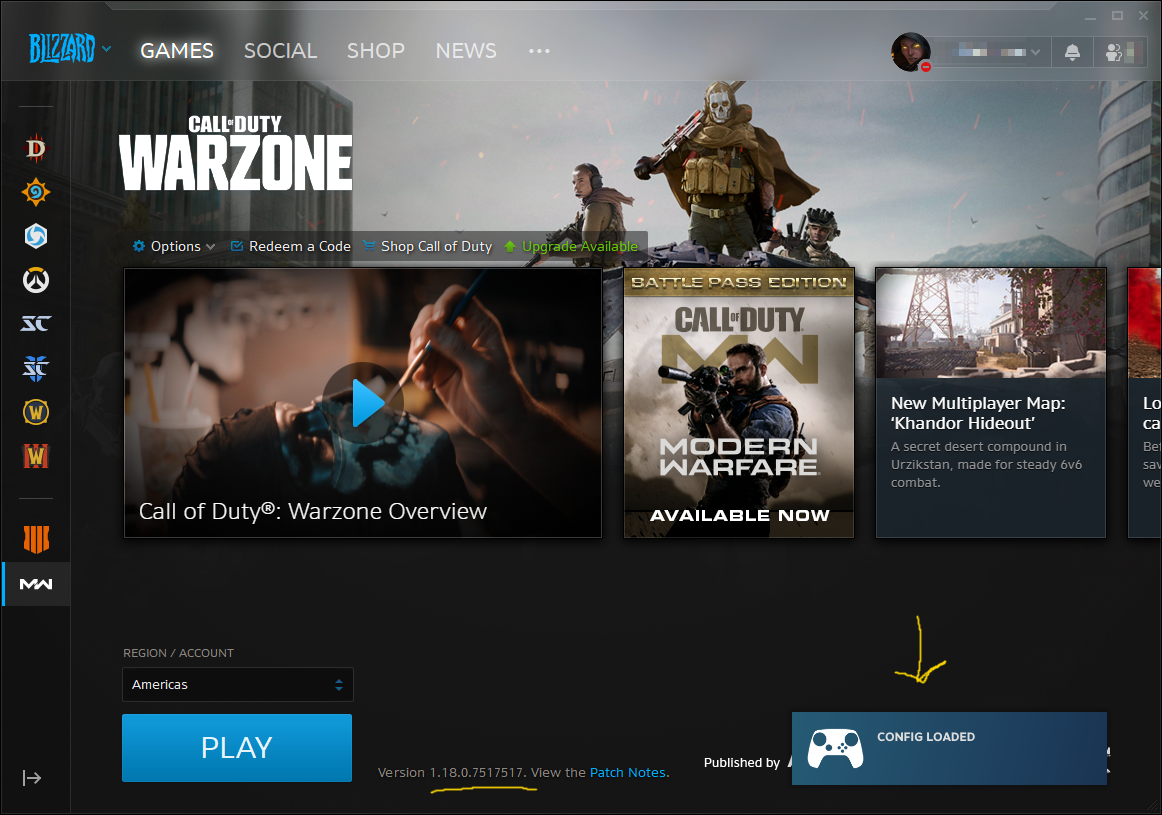



Please let me know if you have further questions or concerns.
Enjoy!
It opens BNet, move to WoW page, but do not open it.
While I cannot help you resolve this persistent issue on their part, the only thing I can suggest is to keep the shortcut as you created it in Steam. The shortcut will still navigate to the proper game tab in the BNet launcher at least, however, I hope that the CoD devs will restore functionality to Steam's overlay in a future update very soon.
If you have any questions or concerns, please let me know.
Have fun and enjoy!
Sorry I was unable to provide you with more information, but I hope this was helpful enough.
Please keep me posted as I would love to continue to collaborate with you in preparation for updating this guide. Thank you.
So to test it out, I shut down Steam. I then unchecked the "Run as administrator" box for my Steam shortcut. I re-launched Steam and started my Diablo IV non-Steam shortcut...and no Steam Overlay.
I guess Steam or a Steam shortcut has to be in admin mode for Steam Overlay to play in certain (or all) Battlenet games.
I'll do some more testing, but right now it seems I was wrong. Sorry about the misinformation.