



Инсталирайте Steam
вход
|
език
Опростен китайски (简体中文)
Традиционен китайски (繁體中文)
Японски (日本語)
Корейски (한국어)
Тайландски (ไทย)
Чешки (Čeština)
Датски (Dansk)
Немски (Deutsch)
Английски (English)
Испански — Испания (Español — España)
Испански — Латинска Америка (Español — Latinoamérica)
Гръцки (Ελληνικά)
Френски (Français)
Италиански (Italiano)
Индонезийски (Bahasa Indonesia)
Унгарски (Magyar)
Холандски (Nederlands)
Норвежки (Norsk)
Полски (Polski)
Португалски (Português)
Бразилски португалски (Português — Brasil)
Румънски (Română)
Руски (Русский)
Финландски (Suomi)
Шведски (Svenska)
Турски (Türkçe)
Виетнамски (Tiếng Việt)
Украински (Українська)
Докладване на проблем с превода


















 Награда



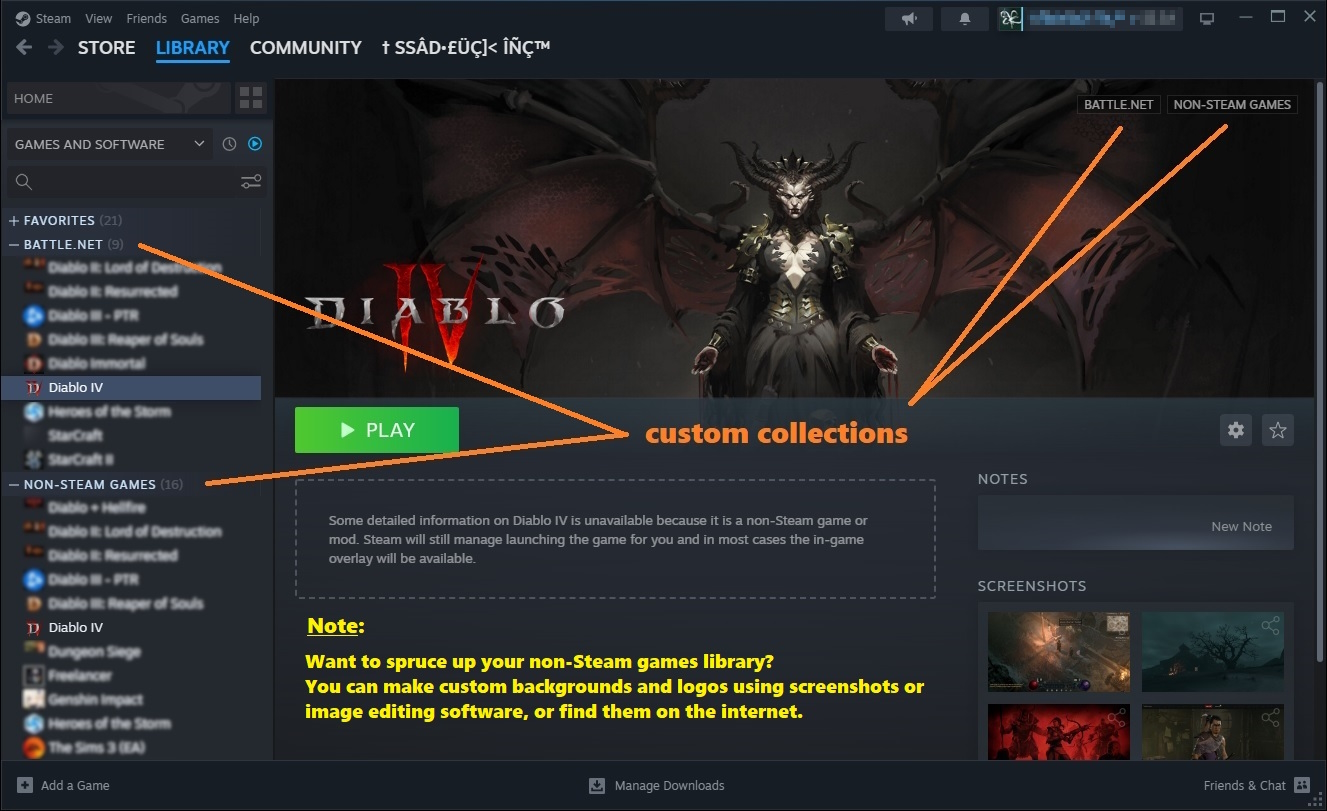
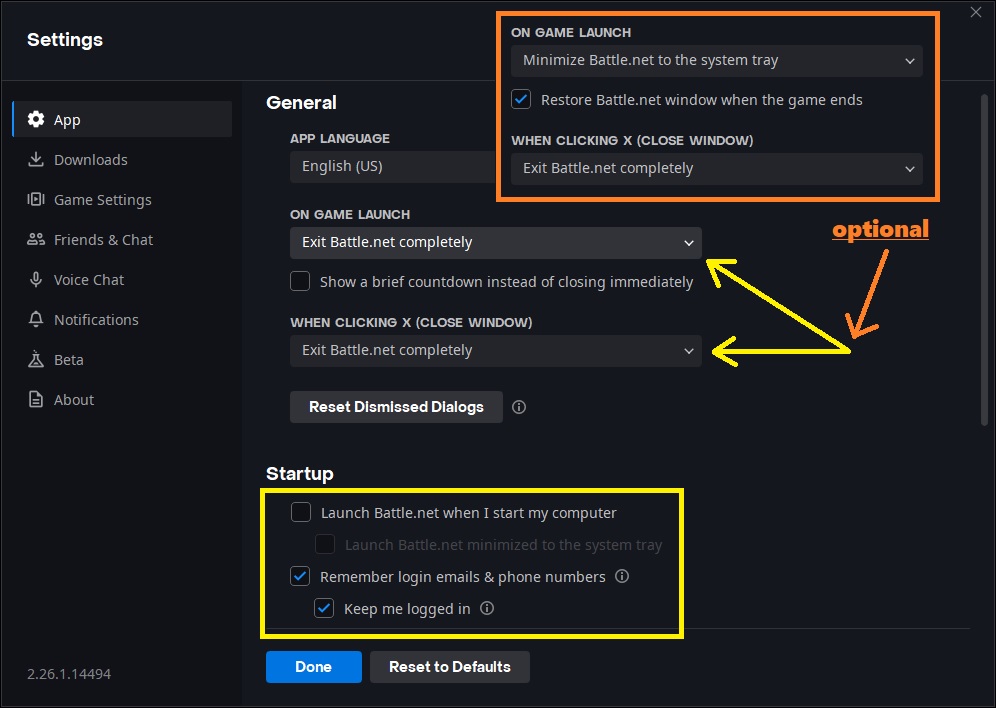
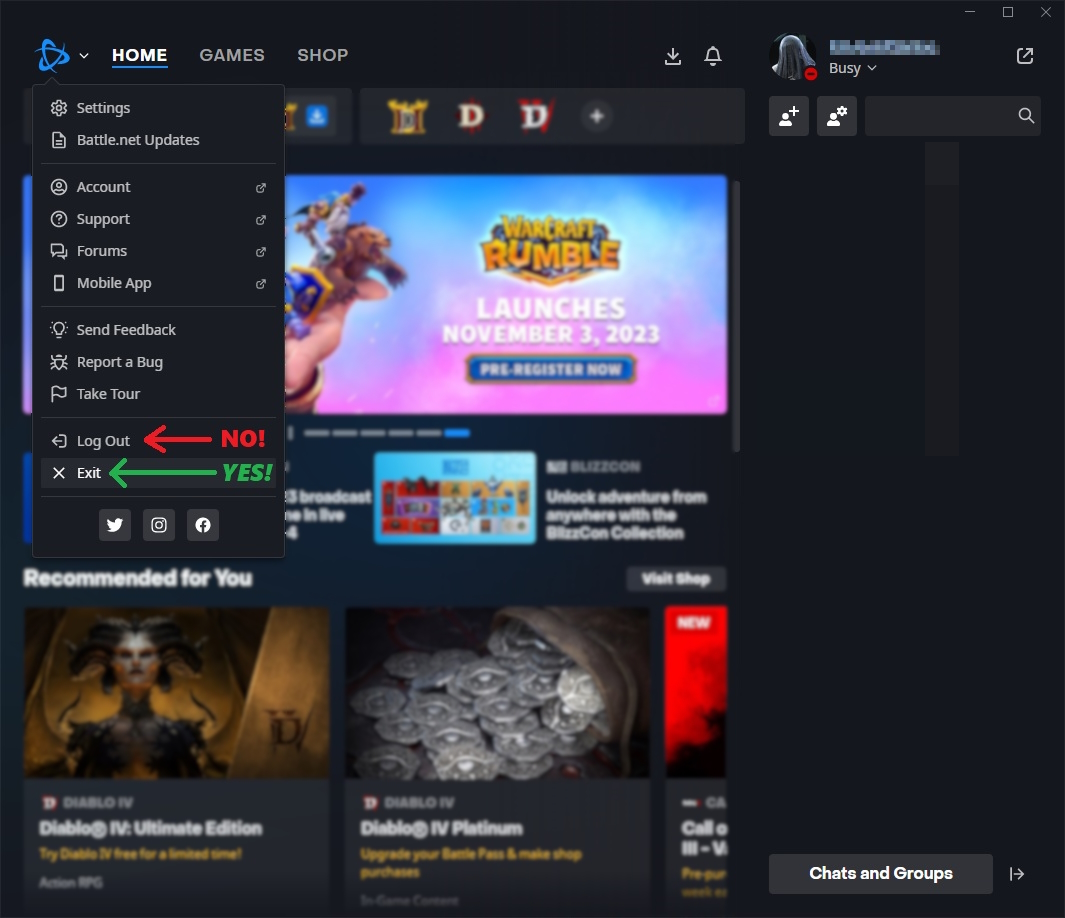
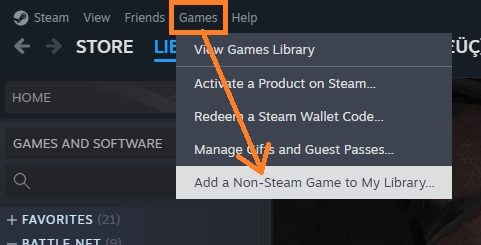
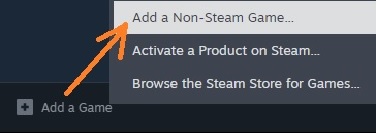
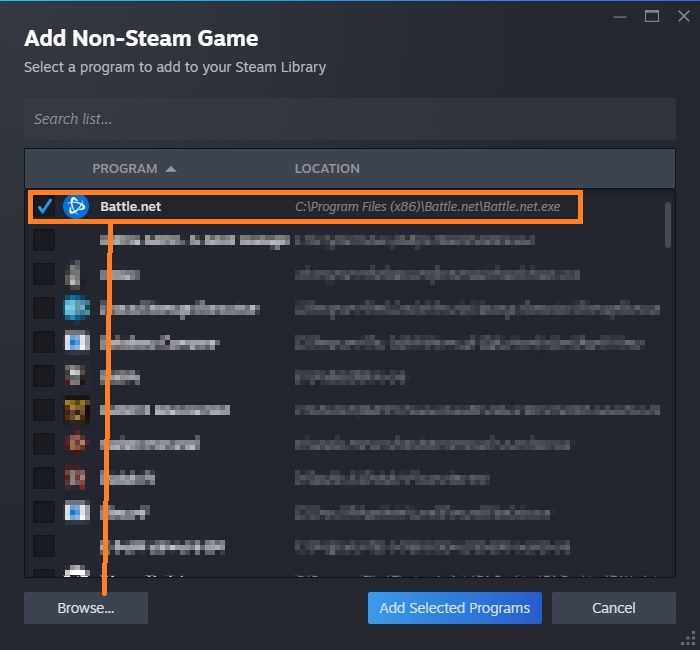
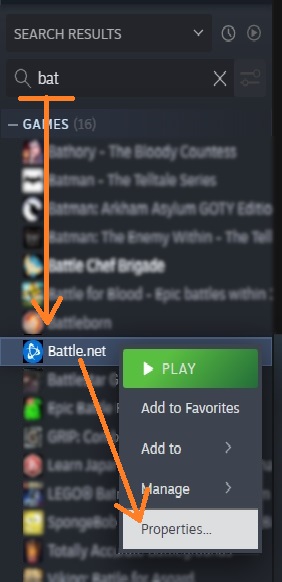
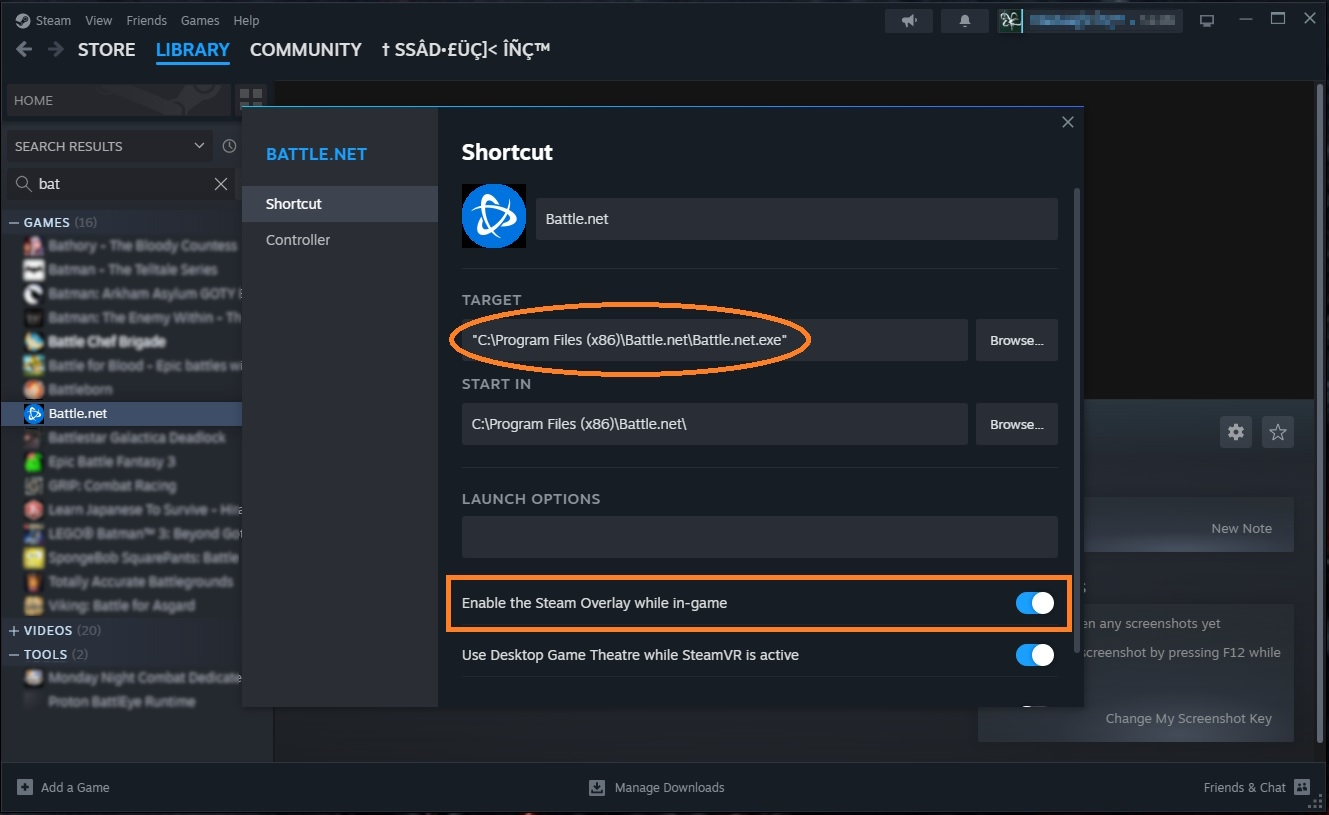
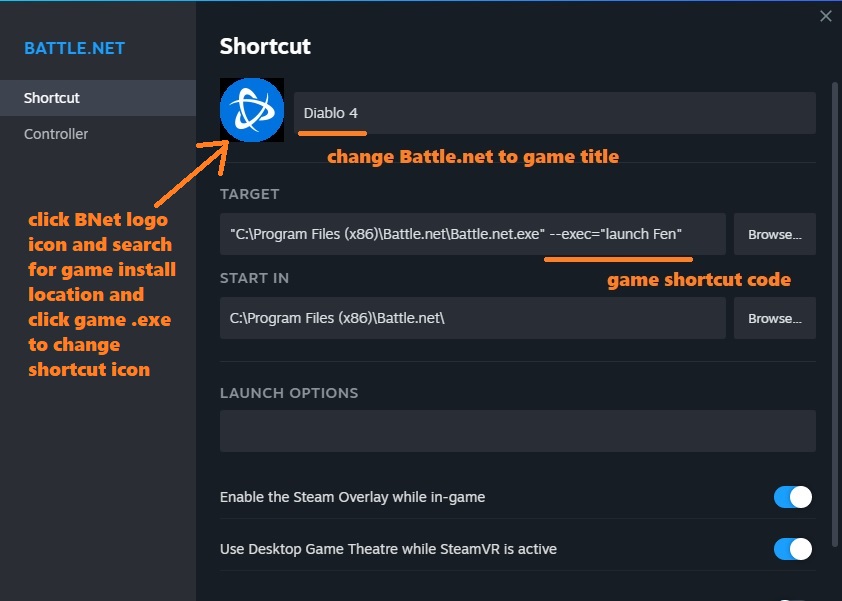
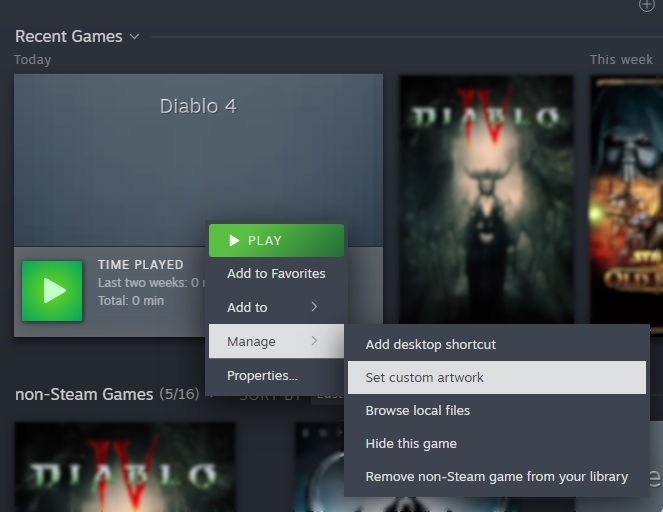
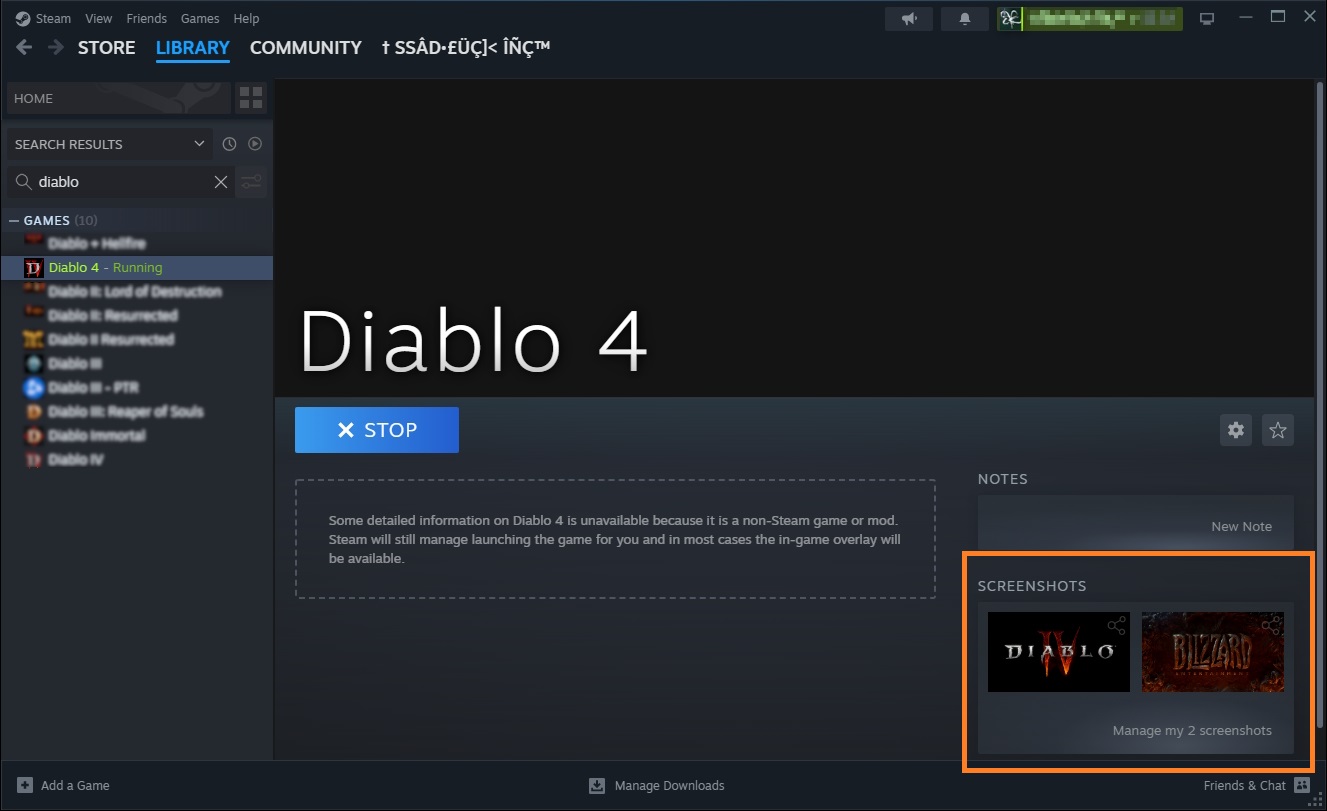
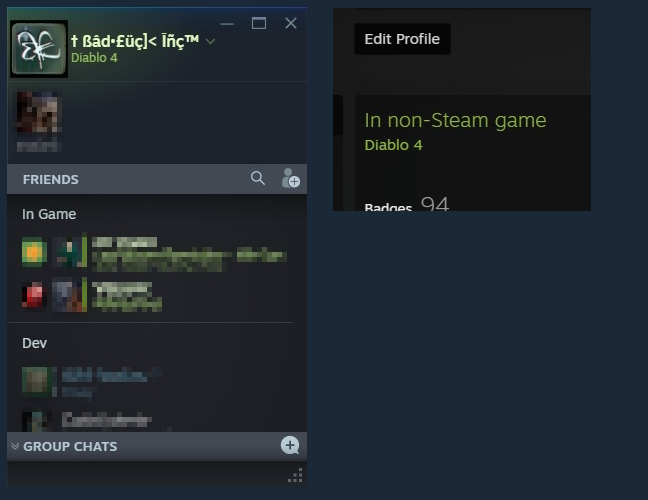

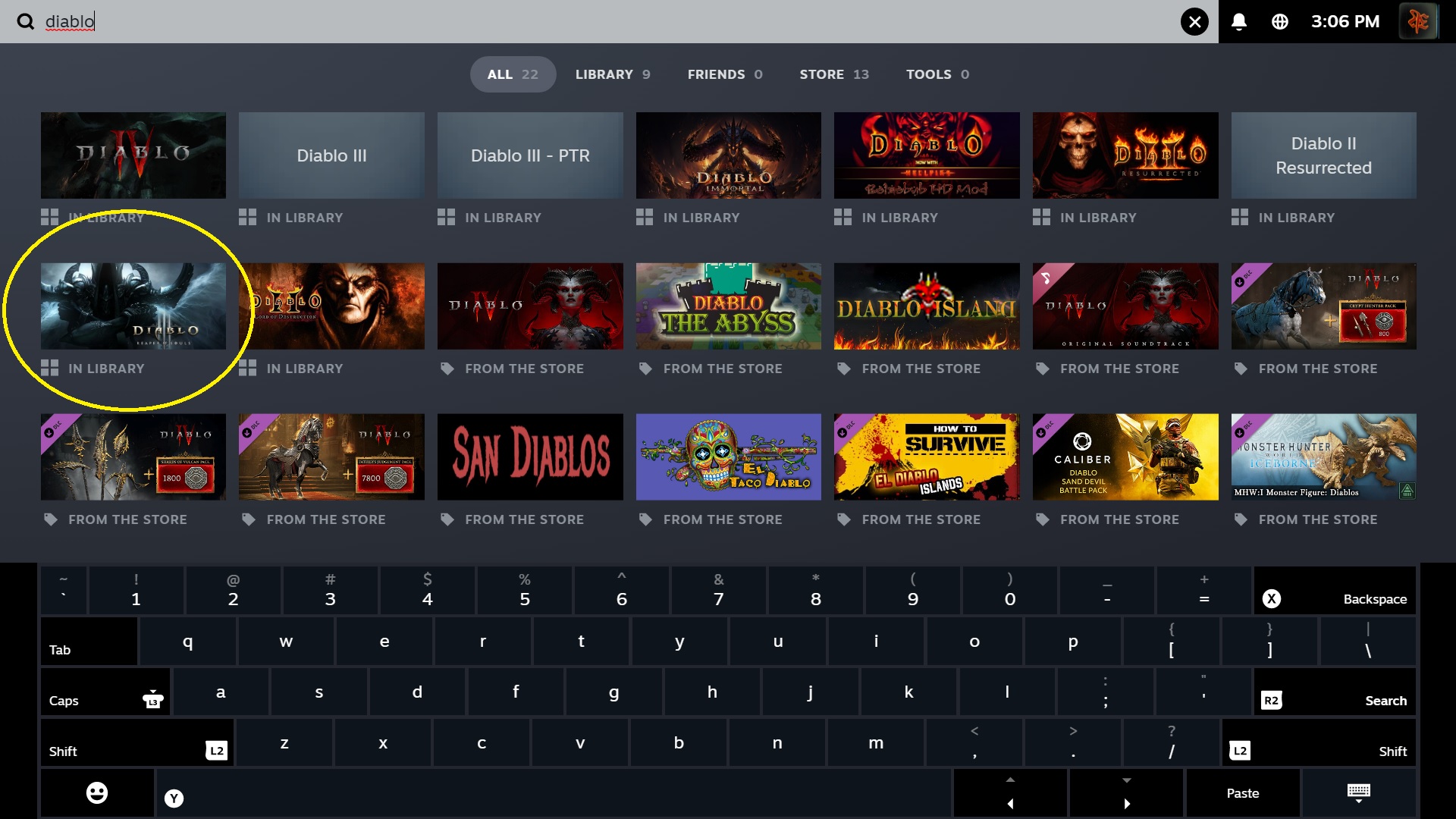
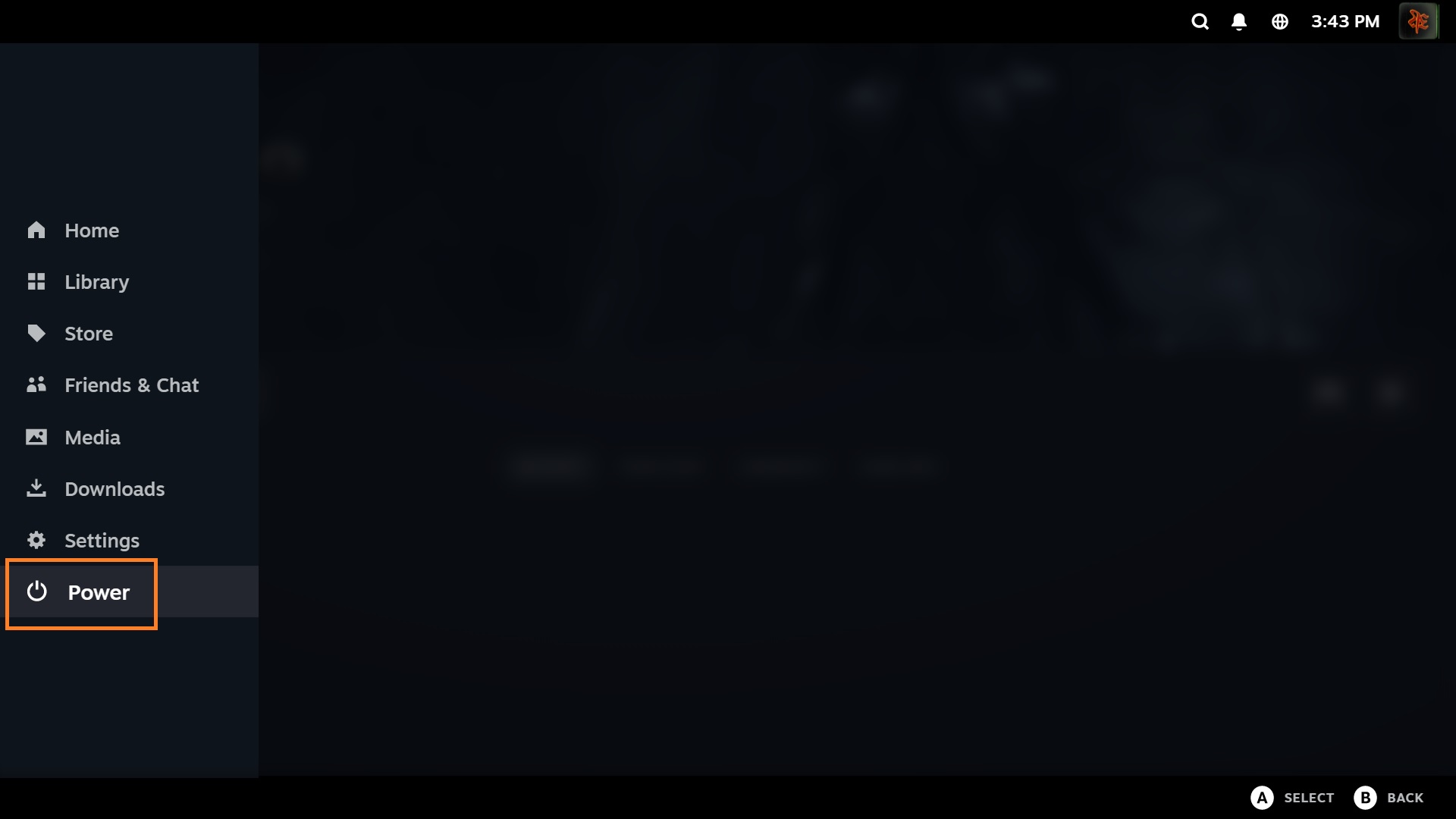
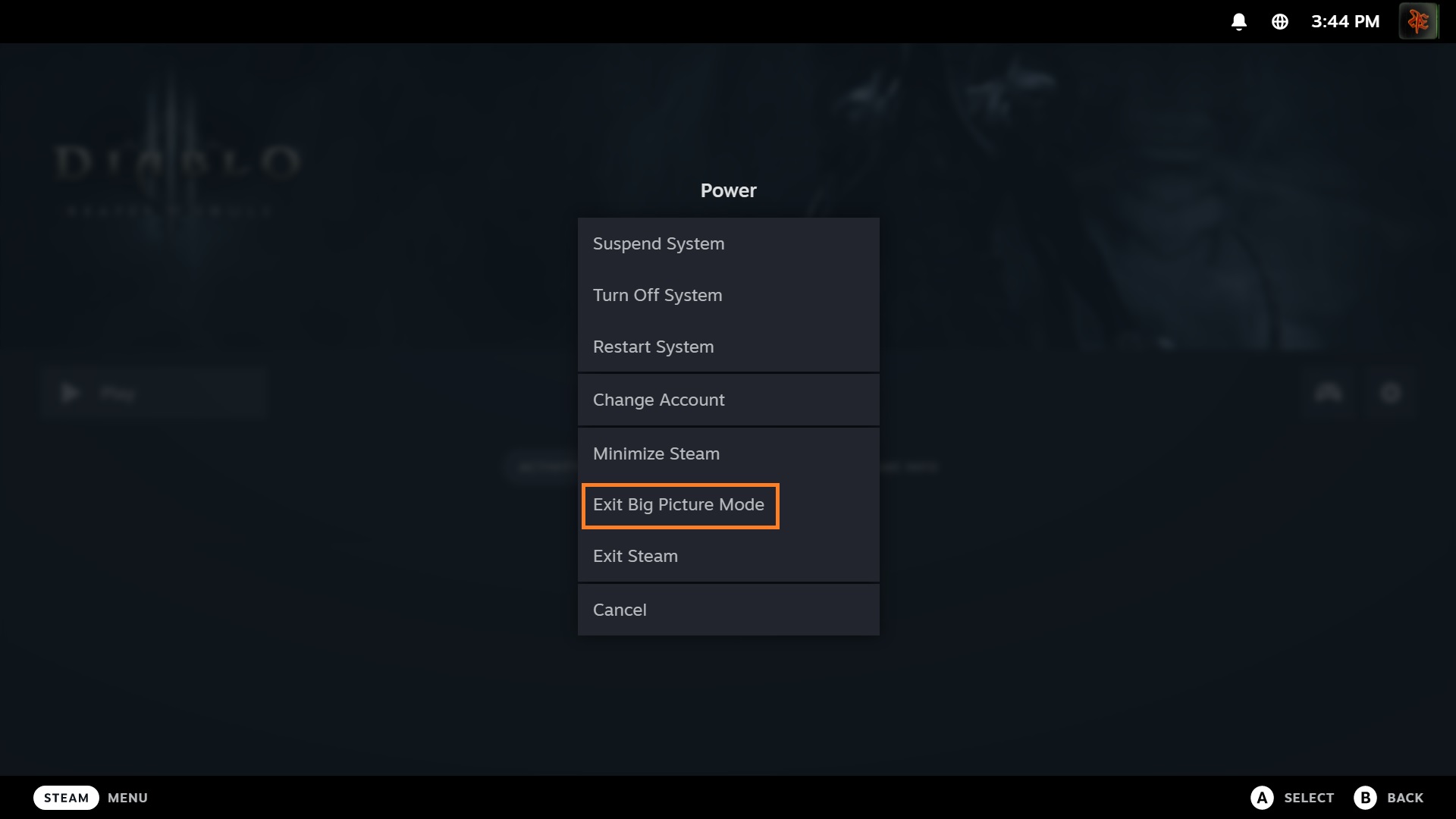
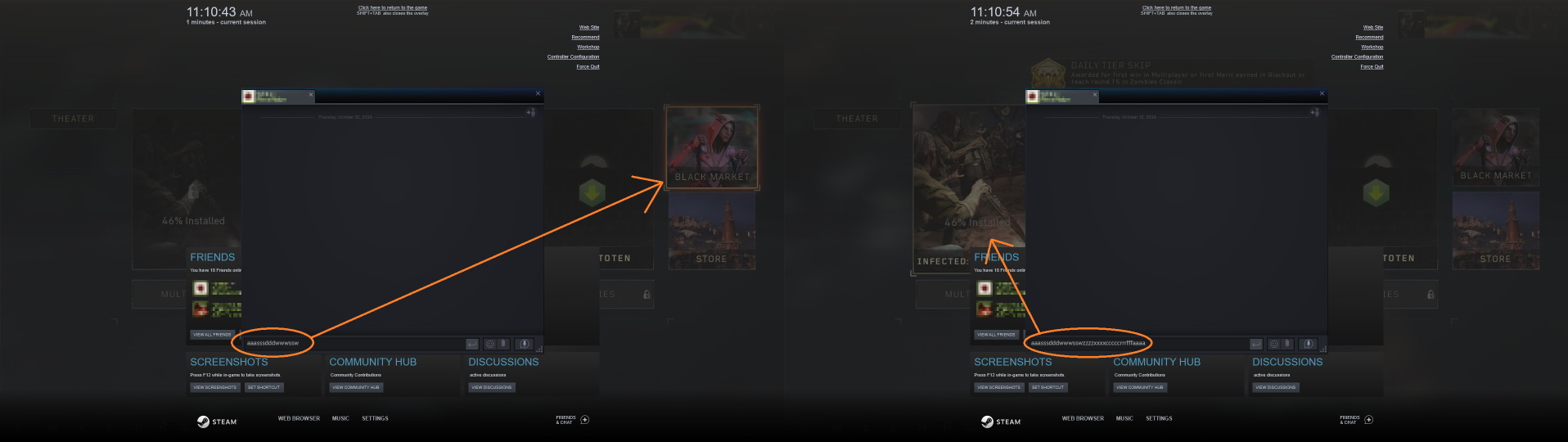
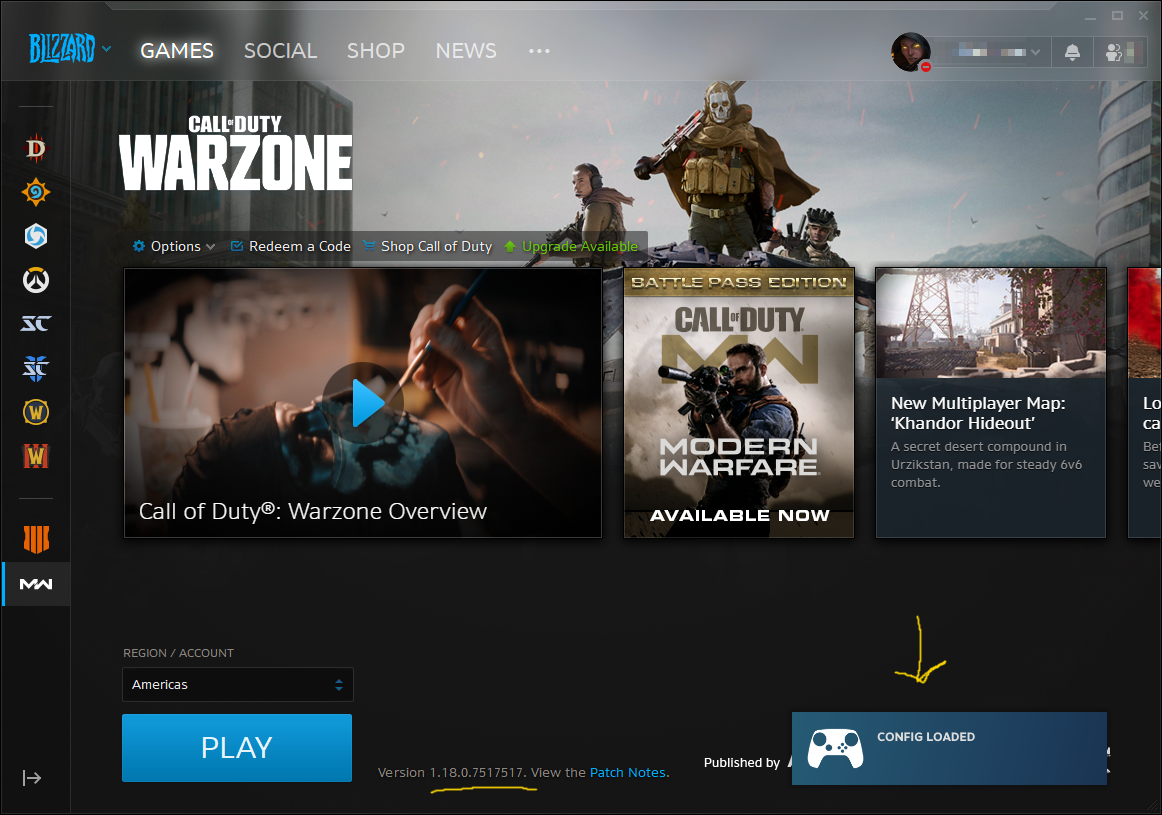
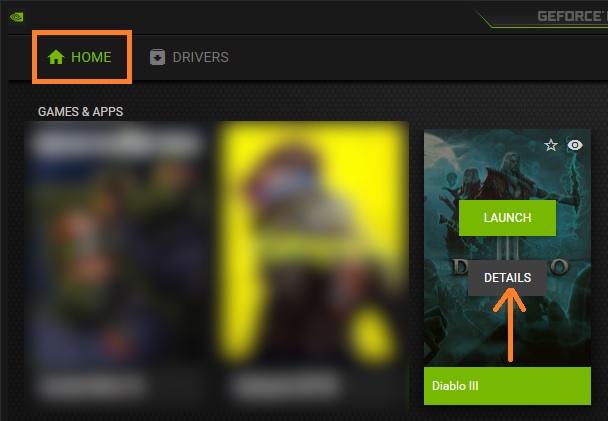
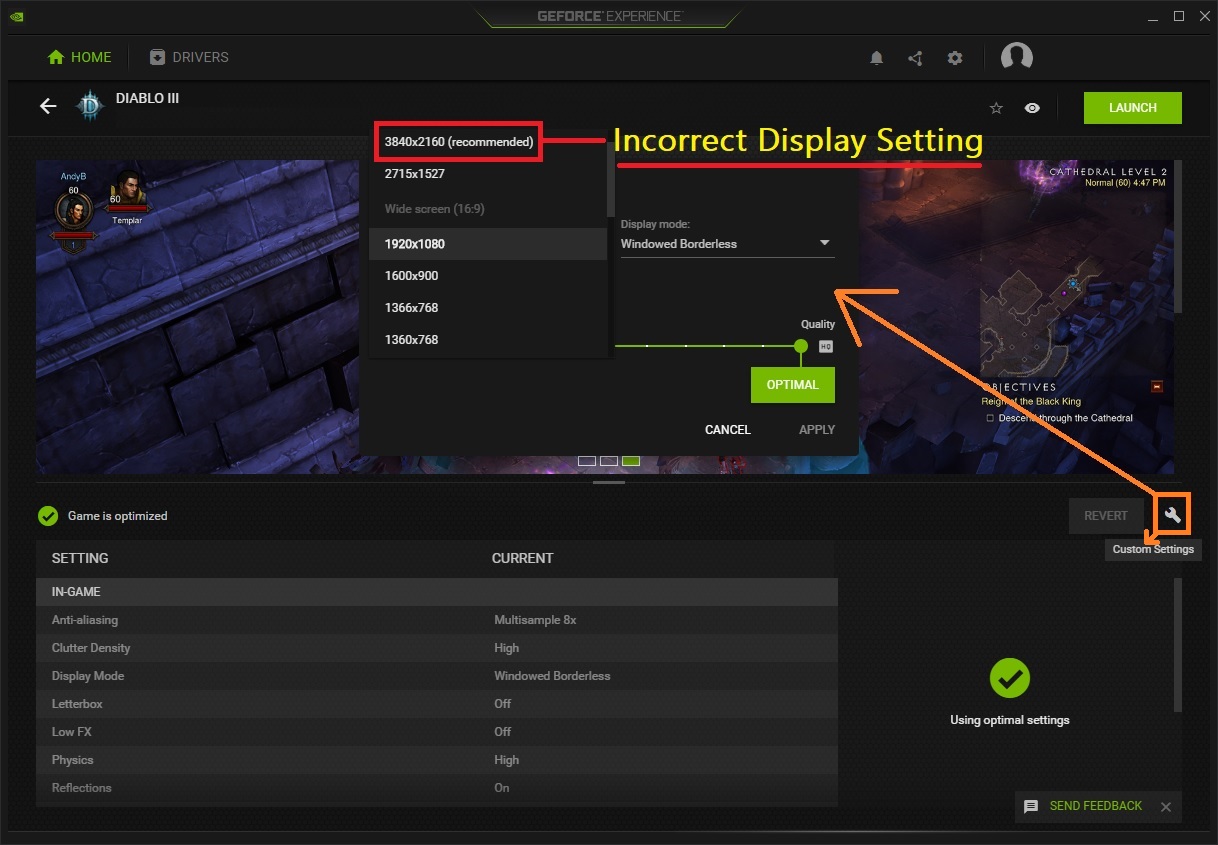



Please let me know if you have further questions or concerns.
Enjoy!
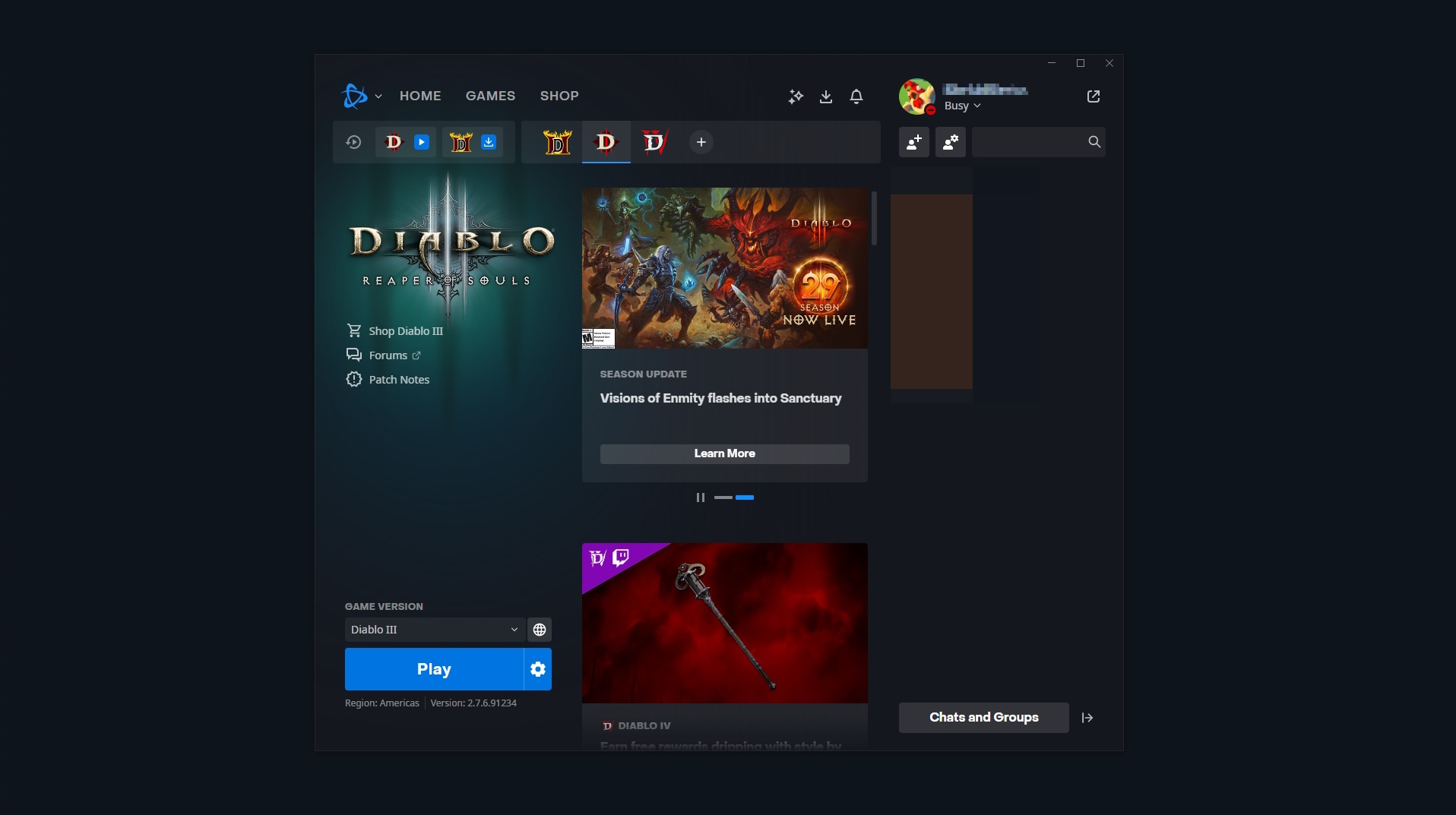
It opens BNet, move to WoW page, but do not open it.
While I cannot help you resolve this persistent issue on their part, the only thing I can suggest is to keep the shortcut as you created it in Steam. The shortcut will still navigate to the proper game tab in the BNet launcher at least, however, I hope that the CoD devs will restore functionality to Steam's overlay in a future update very soon.
If you have any questions or concerns, please let me know.
Have fun and enjoy!
Sorry I was unable to provide you with more information, but I hope this was helpful enough.
Please keep me posted as I would love to continue to collaborate with you in preparation for updating this guide. Thank you.
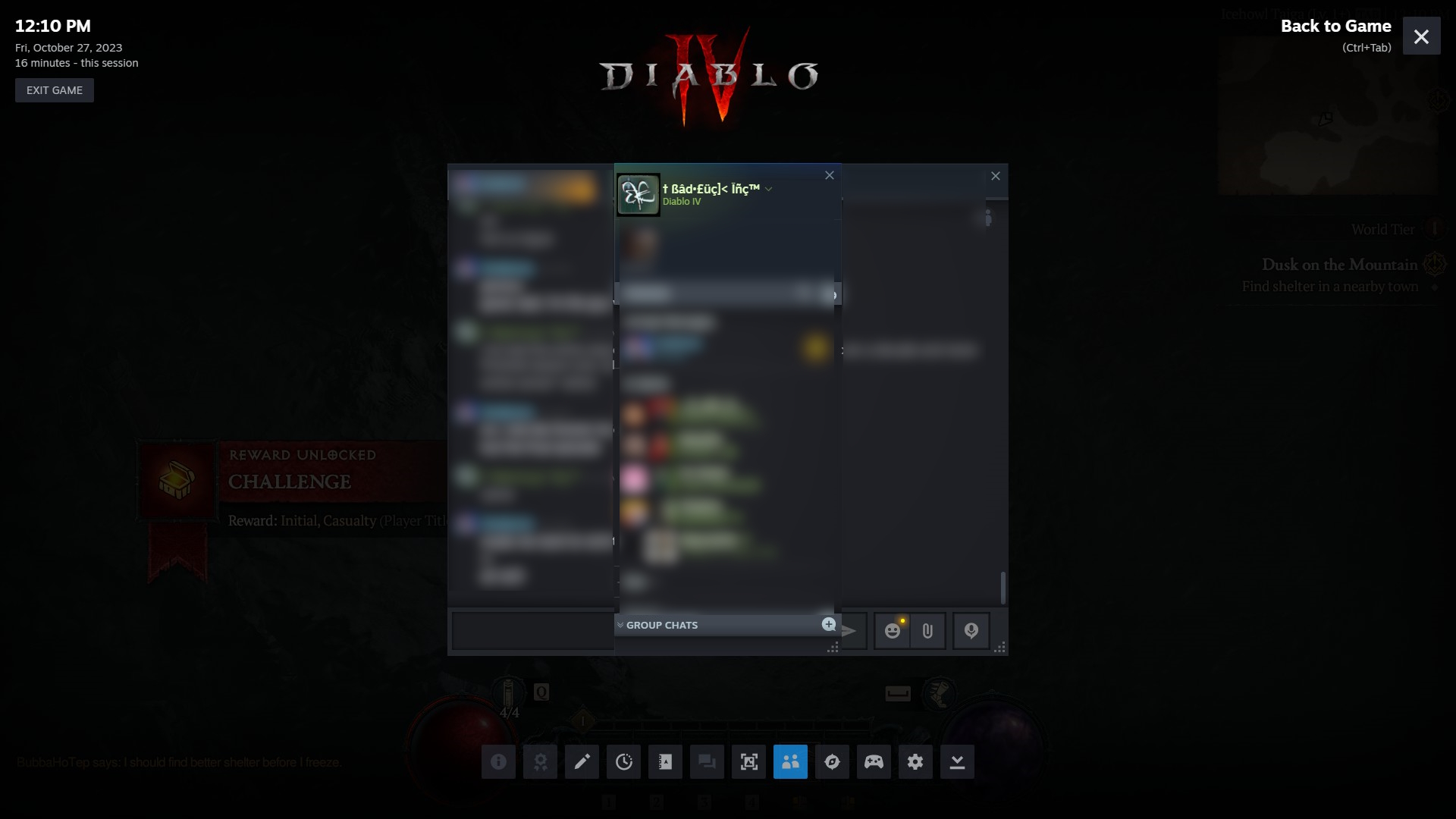
So to test it out, I shut down Steam. I then unchecked the "Run as administrator" box for my Steam shortcut. I re-launched Steam and started my Diablo IV non-Steam shortcut...and no Steam Overlay.
I guess Steam or a Steam shortcut has to be in admin mode for Steam Overlay to play in certain (or all) Battlenet games.
I'll do some more testing, but right now it seems I was wrong. Sorry about the misinformation.